
![Pololu Dual MAX14870 Motor Driver for Raspberry Pi (Assembled) [Discontinued]](https://www.hubledpcb.com/wp-content/uploads/2026/10/20/1792466852/pololu-dual-max14870-motor-driver-for-raspberry-pi-assembled-discontinued.webp)
Electronic Components
Pololu Dual MAX14870 Motor Driver for Raspberry Pi (Assembled) [Discontinued]
Shopping information
This compact expansion board plugs directly into the GPIO header on a Raspberry Pi and provides an easy and low-cost solution for driving a pair of small brushed DC motors.
Its pair of integrated MAX14870 motor drivers allows it to operate from 4.5V to 36V, making it a great control option for small motors that run on a wide range of voltages. The board can deliver a continuous 1.7 A (2.5 A peak) per motor. This version shipsfully assembledwith connectors soldered in.
Warning: This product can gethotenough to burn you long before the chip overheats. Take care when handling this product and other components connected to it.
This motor driver expansion board and its corresponding Python library make it easy to control a pair of bidirectional, brushed DC motors with a compatible Raspberry Pi (any model with 40 pins). The expansion board features two MAX14870 H-bridge motor driver ICs from Maxim, which allow it to operate from 4.5V to 36V and make it well suited for driving small motors across a wide range of voltages. The board can deliver a continuous 1.7A per channel and tolerate peak currents up to 2.5A per channel for a few seconds.
The boards default configuration uses five GPIO pins to control the motor drivers, making use of the Raspberry Pis hardware PWM outputs, and it uses one additional pin to read a fault output from the drivers. However, the pin mappings can be customized if the defaults are not convenient.
This version of the motor driver isfully assembled, with a217-pin 0.1 female header(for connecting to the Raspberry Pis 40-pin GPIO header) and a six-pin strip of5mm terminal blocks(for motor and power connections) soldered in.
Features
- Two single-channel H-bridge motor drivers with shoot-through protection and internal free-wheeling diodes (can each drive one DC motor)
- Motor supply voltage: 4.5V to 36V
- Output current: 1.7A continuous (2.5A peak) per motor
- Board can optionally power the Raspberry Pi base directly through add-on regulator (not included)
- Python librarymakes it easy to get started using this board as a motor driver expansion board
- GPIO pin mappings can be customized if the default mappings are not convenient
- Reverse-voltage protection on motor power supply
- Under-voltage lockout and protection against over-current and over-temperature
- Surface-mount resistor can optionally be added to enable automatic current limiting
Specifications
| Motor driver | MAX14870 (x2) |
| Motor channels | 2 |
| Minimum operating voltage | 4.5V |
| Maximum operating voltage | 36V |
| Continuous output current per channel | 1.7A |
| Peak output current per channel | 2.5A |
| Maximum PWM frequency | 50kHz |
| Reverse voltage protection? | Y |
| Partial kit? | N |
| Size | 1.7 0.65 |
| Weight | 12g |
Using the motor driver
This section explains how to use the dual MAX14870 motor driver add-on board and provides some basic information about the motor driver pins to help get you started. However, we strongly encourage you to consult theMAX14870 datasheet for detailed pin descriptions, truth tables, and electrical characteristics.
This expansion board is essentially a breakout board for two MAX14870 motor driver ICs, so the datasheet is your best resource for answering questions not covered here.
The board should be plugged into the leftmost position on the Raspberry Pis 40-pin GPIO header, leaving six pins exposed on the right, as shown in the picture below.
In the boards default state, the motor driver and Raspberry Pi are powered separately, though they share a common ground. When used this way, the Raspberry Pi must be powered via its USB Micro-B receptacle, and the motor driver board must be supplied with 4.5V to 36V through its large VIN and GND pads. However, the motor driver board provides a set of three through-holes where you can conveniently connect an appropriate voltage regulator, allowing the motor supply to also power the Raspberry Pi (see thePowering the Raspberry Pi from the motor driver boardsection below).
Default pin mappings
This table shows how the Raspberry Pis GPIO pins are used to interface with the motor drivers:
| RPi GPIO Pin |
Motordriverpin | Description |
| 5 | EN | Inverted enable input: The Raspberry Pi pulls this pin high by default, putting the motor driver IC into a low-current sleep mode and disabling the motor outputs (setting them to high impedance).ENmust be driven low to enable the motor driver. |
| 6 | FAULT | Fault output: When the drivers are functioning normally, this pin should be pulled high by the Raspberry Pi. In the event of an over-current or over-temperature condition, the driver IC experiencing the fault drivesFAULTlow. |
| 12 | Motor 1 PWM | Motor speed input: A PWM (pulse-width modulation) signal on this pin corresponds to a PWM output on the corresponding drivers motor outputs. When this pin is low, the motor brakes low. When it is high, the motor is on. The maximum allowed PWM frequency is 50 kHz. |
| 13 | Motor 2 PWM | |
| 24 | Motor 1 DIR | Motor direction input: When DIR is low, motor current flows from output A to output B; when DIR is high, current flows from B to A. |
| 25 | Motor 2 DIR |
Simplified motor control truth table
This table shows how the drivers control inputs affect the motor outputs:
| Inputs | Outputs | ||||
| EN | DIR | PWM | MxA | MxB | Operating mode |
| 0 | 0 | PWM | PWM (H/L) | L | forward/brake at speedPWM % |
| 0 | 1 | PWM | L | PWM (H/L) | reverse/brake at speedPWM % |
| 0 | X | 0 | L | L | brake low (outputs shorted to ground) |
| 1 | X | X | Z | Z | coast (outputs off) |
Remapping pins
Each GPIO pin used by the board is connected to the corresponding motor driver pin by a trace on the top side of the board spanning a pair of holes. If you want to remap one of these motor driver pins, you can cut its trace with a knife and then run a wire from the lower hole to a new GPIO pin.
In addition, theENandFAULTpins are connected between the two driver ICs by default. If you need to access each drivers pins separately, you can cut the traces between the surface-mount jumpers labeled EN and FAULT next to the Pololu logo on the board. This leaves the right side of the jumpers and the original access points on the board connected to theENandFAULTpins for motor 2, while the left side of the jumpers will provide access to those pins for motor 1.
Note that the default pin mappings were chosen so that the Raspberry Pis default GPIO pull-ups and pull-downs match the direction the motor driver pins are or should be pulled (up forENandFAULT, down for others); if you remap the motor driver pins without paying attention to this, you might encounter issues with pins being pulled the wrong way. See theRaspberry Pi documentationfor more about the default GPIO states.
Optional current limiting
The MAX14870 IC features a SNS input that can be used for optional automatic current limiting. By default, this input is connected to ground for both drivers on this board, which bypasses the current regulation feature. To enable current limiting, you must first cut the traces between each pair of unpopulated 1206 resistor pads on the bottom side of the board.
Then, you will need to add your own appropriate surface-mount 1206 resistor to these pads.
Each driver tries to keep the voltage on the SNS pin from exceeding 100mV, so for example, a 100m resistor limits the current to 1A and a 200m resistor limits it to 0.5A. For more information on current limiting, see theMAX14870 datasheet.
Powering the Raspberry Pi from the motor driver board
On the left side of the expansion board is a set of three pins surrounded by a box and labelled 5V, GND, and VM. The 5V pin is connected to the Raspberry Pis 5V power rail, while the VM pin provides access to the driver boards motor supply voltage after reverse-voltage protection. If a suitable voltage regulator is connected to these three pins, it can generate 5 V to power the Raspberry Pi from the boards motor supply voltage.
We suggest using the PololuD24V10F5orD24V22F5switching step-down regulators, which have the same 36V maximum input voltage as the MAX14870 (see below for details on which to choose).
When adding a voltage regulator to the motor driver board, take care to orient it correctly: note that the motor driver boards VM pin should connect to the regulators VIN pin, while the regulators VOUT pin should connect to the motor driver boards 5V pin.
There are several considerations to keep in mind when powering the Raspberry Pi through a voltage regulator in this way:
- You mustneverconnect a different power supply to the Raspberry Pi (including through its USB Micro-B receptacle) while the regulator is connected, as doing so will create a short between the voltage regulators output and the external power supply that could permanently damage the Raspberry Pi, the regulator, and/or the power supply.
- Your motor power supply must be an acceptable voltage for both your regulator and the MAX14870.
- The regulator should be able to handle the power requirements of the Raspberry Pi. The Raspberry Pi typically uses a few hundred milliamps at 5V (depending on the specific model), although its current draw can exceed 1A if it is also supplying power to USB devices and other peripherals. While linear regulators like a 7805 might fit in the regulator mounting location, they could generate excessive heat or shut down at higher input voltages and output currents, so we recommend using a switching regulator. We suggest using one of the following regulators.
TheD24V10F5can supply up to 1A of current to the Raspberry Pi and should work for lower-power models (like theA+) with lighter loads. It can be soldered directly to the motor driver board with amale headerto make a compact, permanent connection or plugged into a3-pin female headersoldered to the board for a more modular setup:
TheD24V22F5can supply up to 2.5 A and is more suitable for higher-performance Raspberry Pi models,especially with demanding workloads or when powering many peripherals. Because of its larger size, it must be connected through longer headers or wires to avoid interference with the terminal blocks.
The FAQs page on the Raspberry Pi website has more information onRaspberry Pi power requirements.
Real-world power dissipation considerations
The MAX14870 datasheet recommends a maximum continuous current of 2.5A. However, the chip by itself will typically overheat at lower currents. In our tests, a continuous current of 1.7A per channel was sustainable for many minutes without triggering a thermal shutdown.
The actual current you can deliver will depend on how well you can keep the motor driver cool. The drivers printed circuit board is designed to help with this by drawing heat out of the motor driver chip. PWMing the motor will introduce additional heating proportional to the frequency.
Warning: This product can gethotenough to burn you long before the chip overheats. Take care when handling this product and other components connected to it.
Resources
- Maxim Integrated MAX14870 DC motor driver datasheet
- Schematic diagram of the Dual MAX14870 Motor Driver for Raspberry Pi
- Dimension diagram of the Dual MAX14870 Motor Driver for Raspberry Pi
- 3D model of the Dual MAX14870 Motor Driver for Raspberry Pi
- Drill guide for the Dual MAX14870 Motor Driver for Raspberry Pi
Only logged in customers who have purchased this product may leave a review.
Keep exploring
You may also like
More pieces selected to complement what you are viewing.
-
Sale
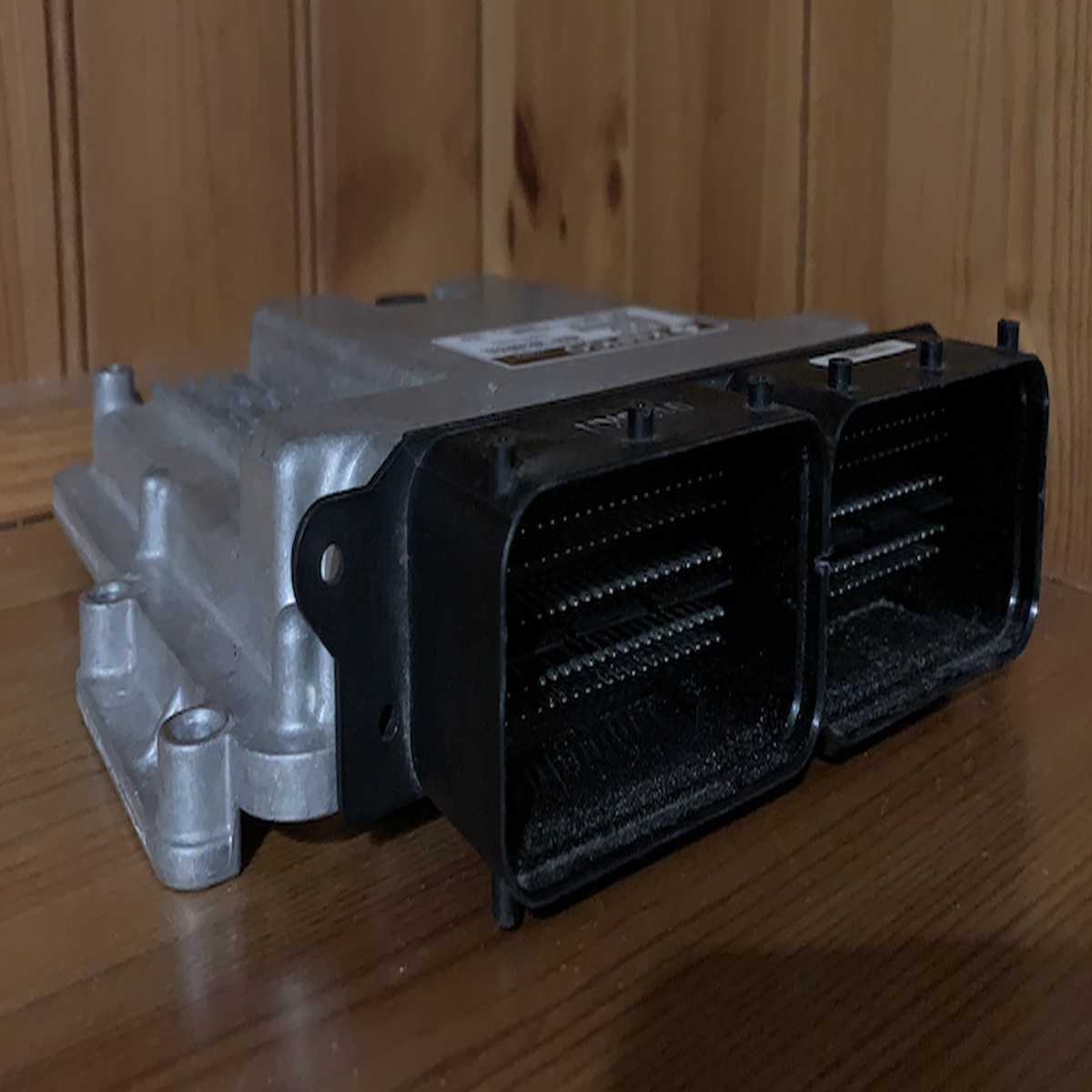
Plug & Play Bosch Engine ECU, Ford, 0261S20876, 0 261 S20 969, JN1512A650UE, JN15-12A650-UE, HA6A12B684LA, HA6A-12B684-LA, DAR4
Original price was: $499.99.$150.00Current price is: $150.00. -
Sale
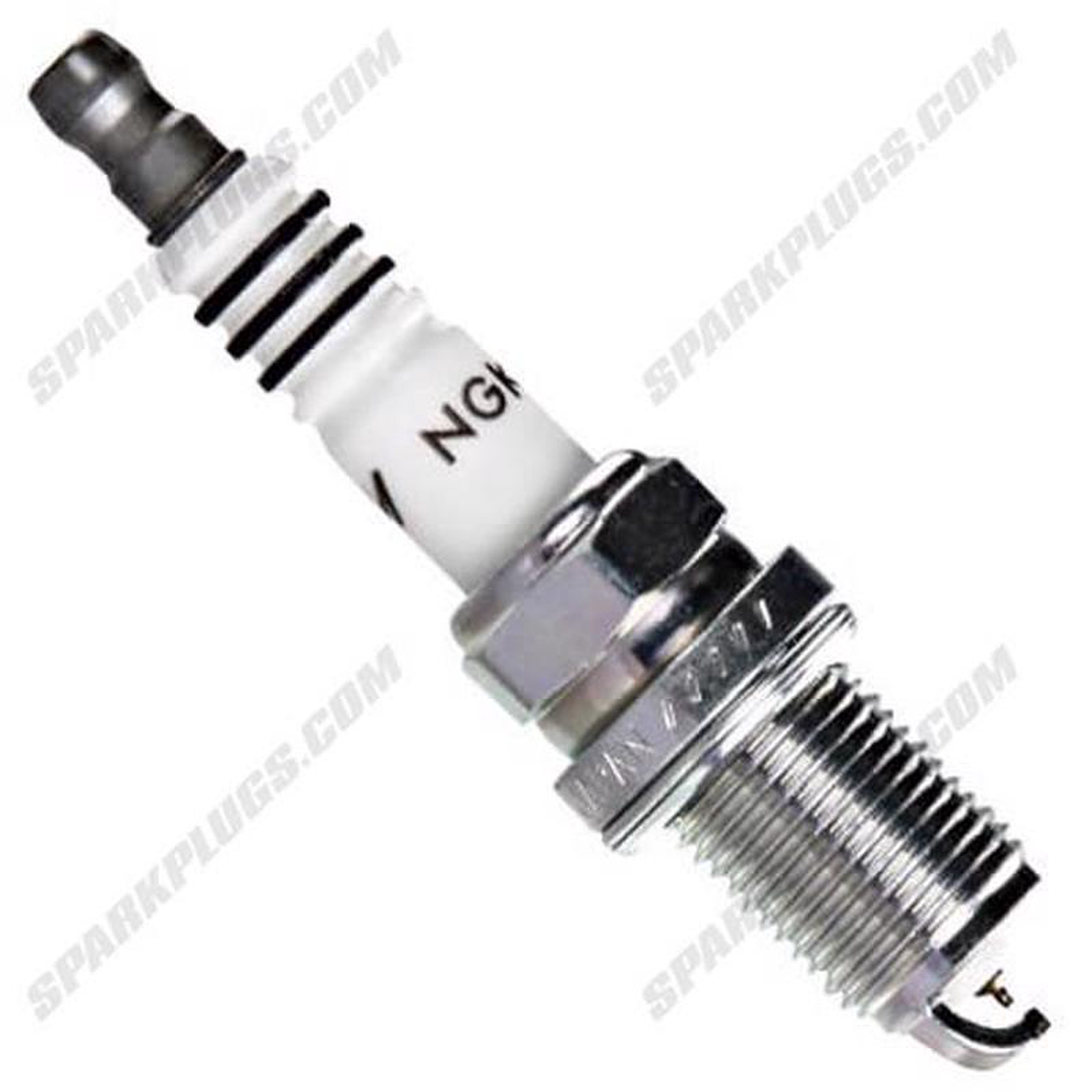
NGK Iridium Stock Heat Spark Plugs Box of 4 (6341)
Original price was: $27.43.$21.94Current price is: $21.94. -
Sale
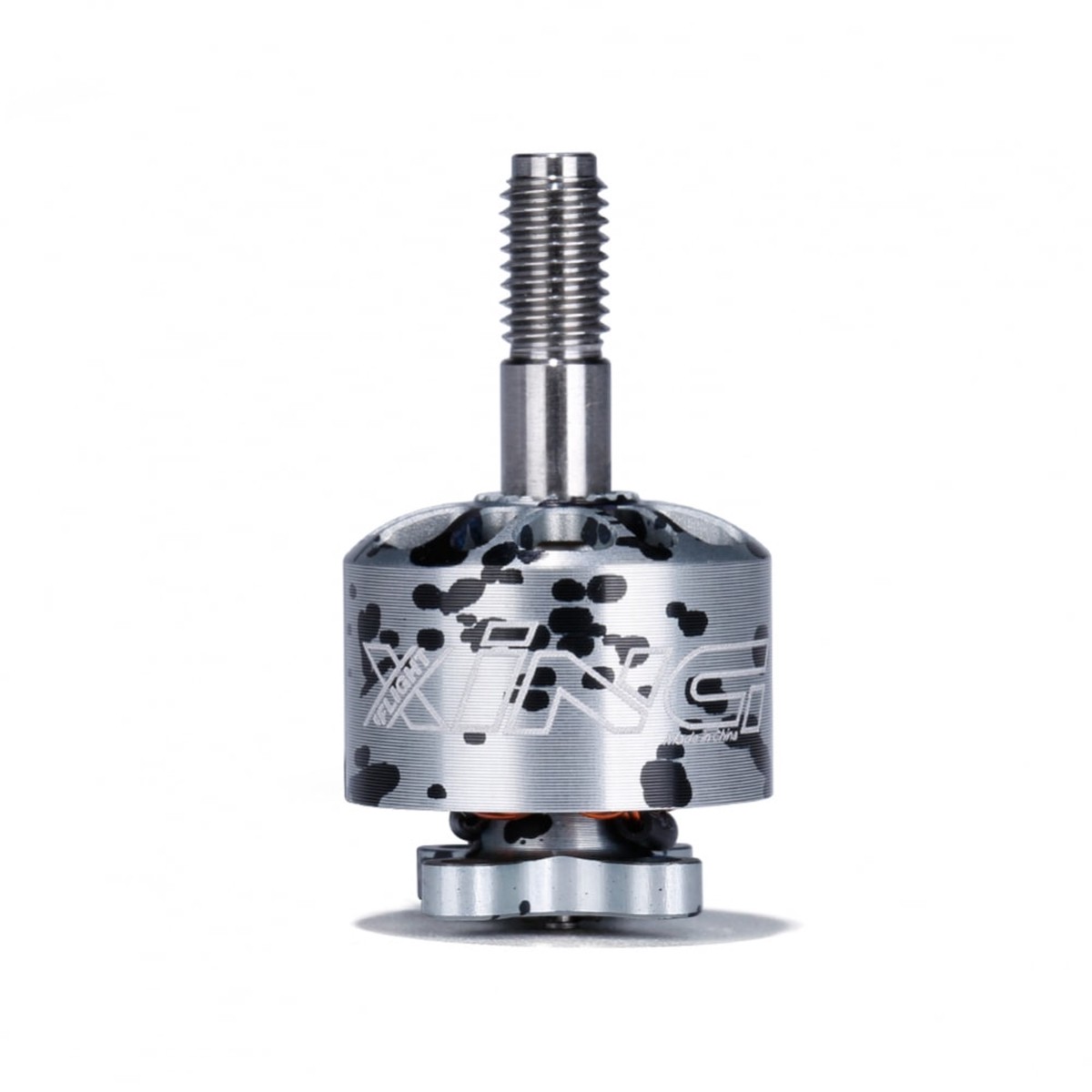
iFlight Xing 1408 Motor (2800kV, 3600kV, 4100kV)
Original price was: $13.00.$10.40Current price is: $10.40. -
Sale
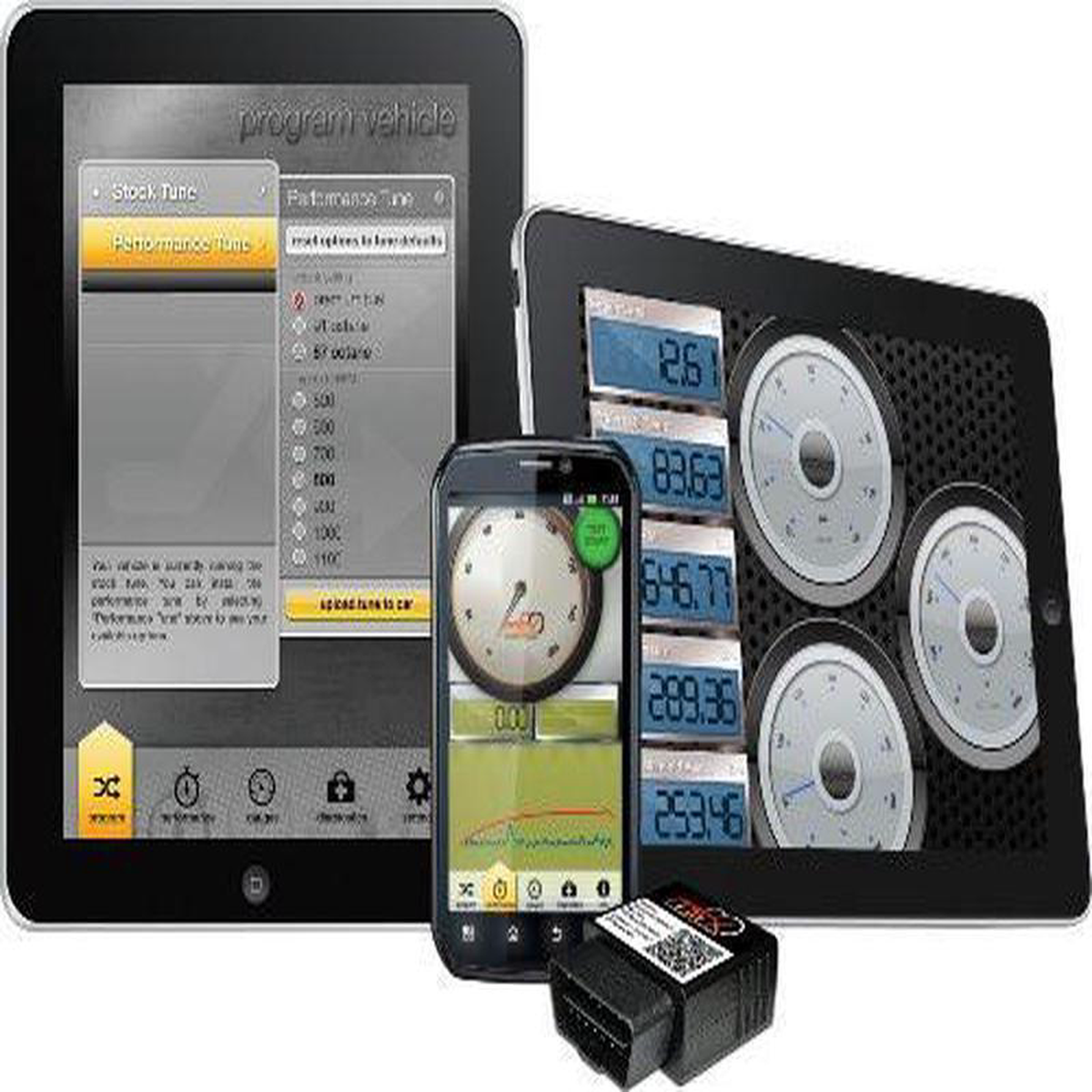
SCT Performance ITSXTSX for Android Programmer (for GM Vehicles)
Original price was: $148.00.$74.00Current price is: $74.00.