
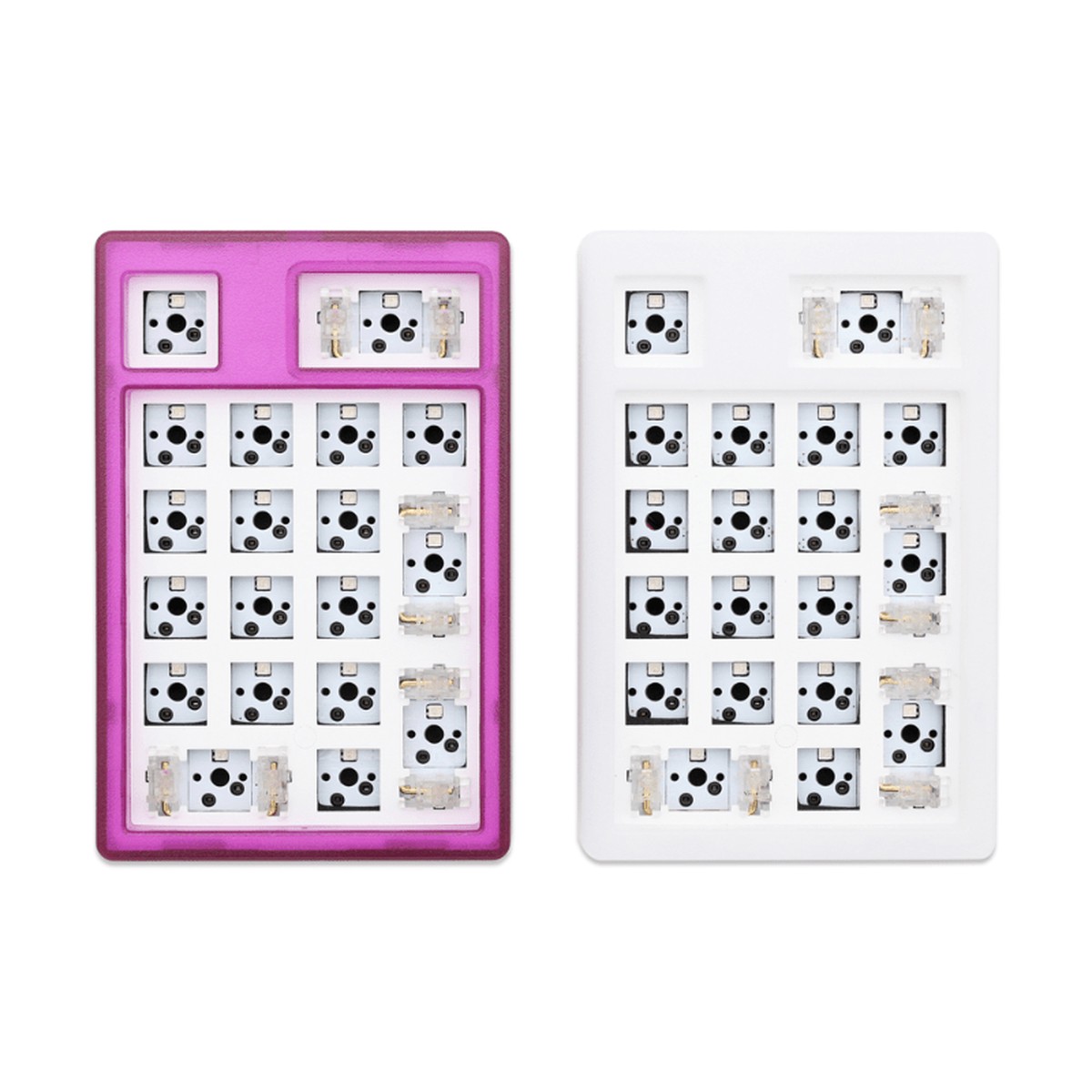
Electronic Components
NextTime NT19 Numpad Kit
Shopping information
NextTime NT19 Gasket Kit(3 Mode Edition)
2.4G Mode Connection Tutorial
When you first connect with 2.4G Mode, pls switch battery button(at bottom of case) on first, then press FN+4 for 3 sec to make sure the 4 key green LED is twinkling, then plug 2.4G Adapter in, NT19 will match the adapter automatically .
Pls don’t plug 2.4G Adapter in before you press FN+4, otherwise, NT19 can’t find it.
Bluetooth Connection Tutorial
1.Make sure your keyboard is not connected with cable
2.Turn battery button on(at the bottom of keyboard)
3.Press Fn+1 or 2 or 3 for 3 sec , make sure NT19 is in pairing mode
4.Then search Bluetooth device at your mobile device and connect with NT19, next time , you just need press Fn+1 or 2 or 3 to change with different devices.
Cable Mode Connection Tutorial
Press Fn+5 , the the NT19 will be cable mode
Only logged in customers who have purchased this product may leave a review.
Keep exploring
You may also like
More pieces selected to complement what you are viewing.
-
Sale
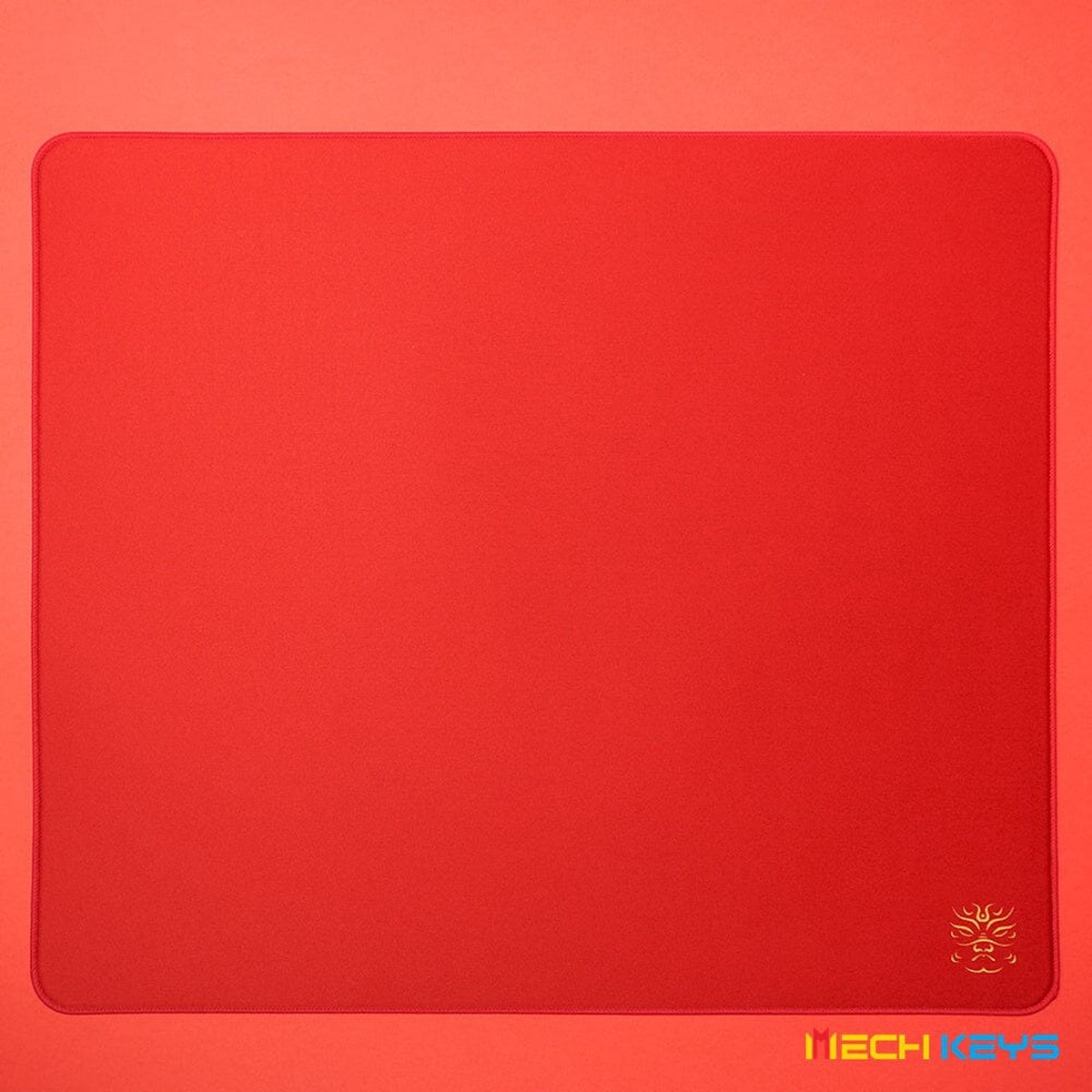
KingJade Fu Xi Pro Poron Fabric Gaming Mousepad
Original price was: $45.99.$36.79Current price is: $36.79. -
Sale
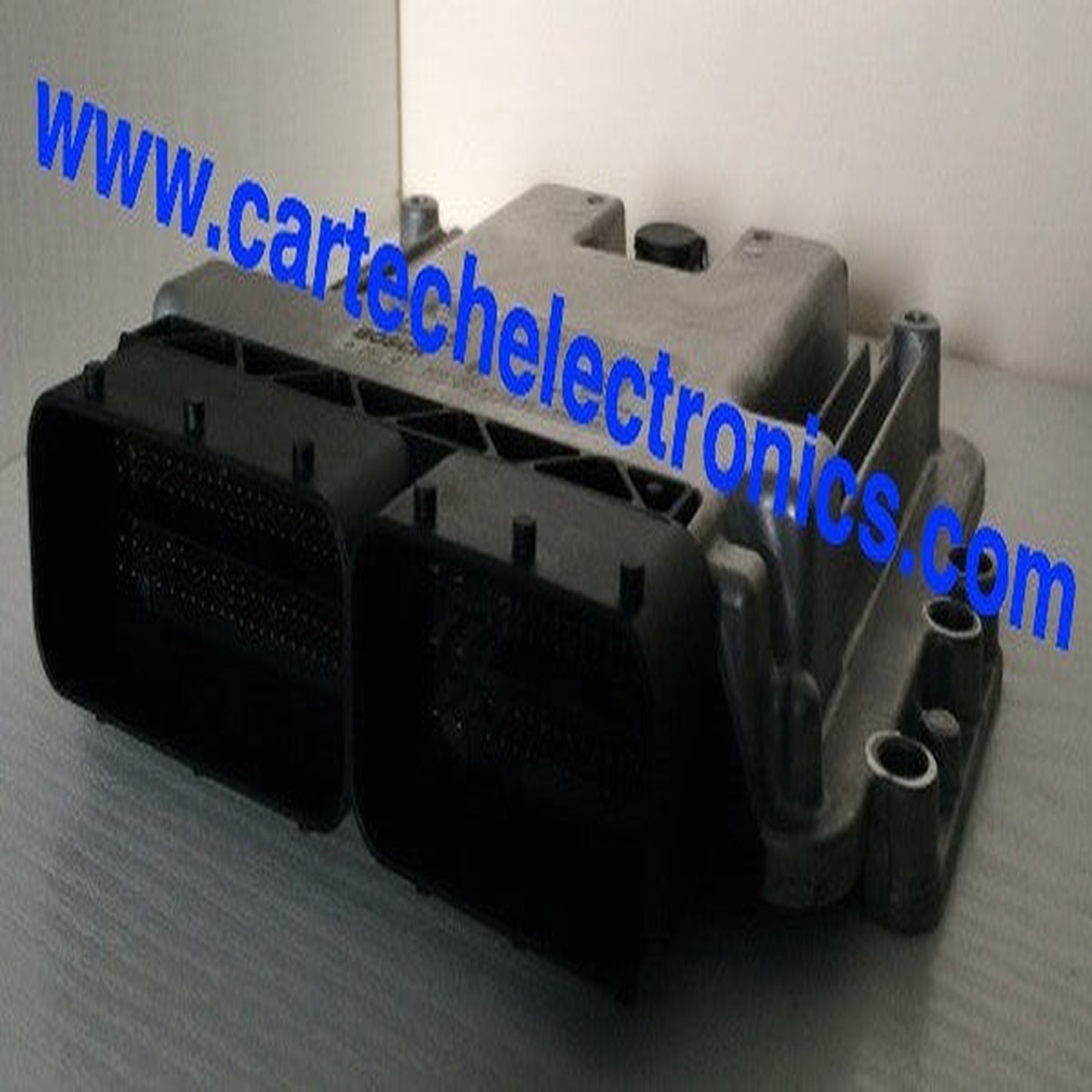
Plug & Play Bosch Engine ECU, Ford, 0261S07402, 0 261 S07 402
Original price was: $599.99.$150.00Current price is: $150.00. -
Sale
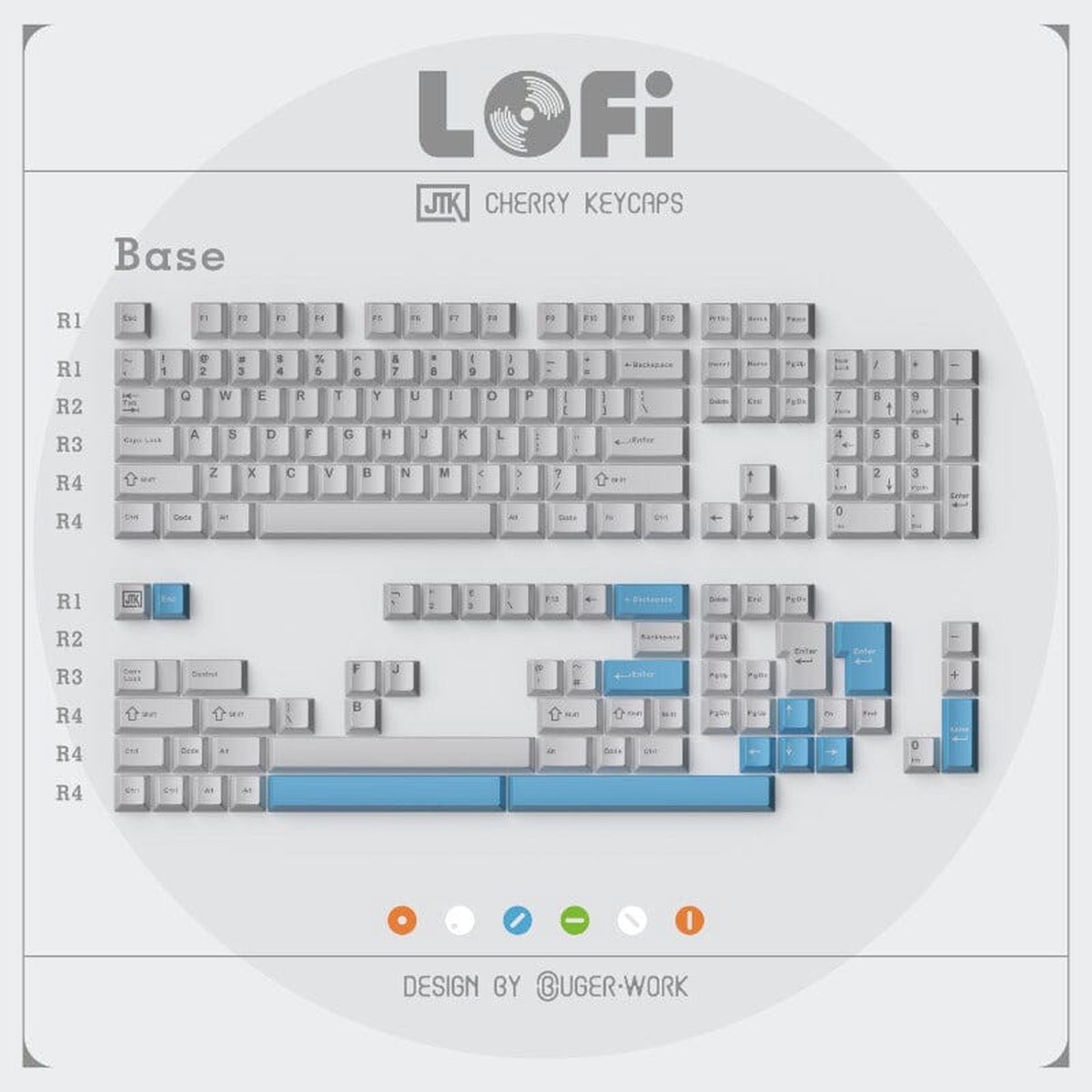
JTK Lofi Cherry Profile ABS Keycaps
Original price was: $79.99.$40.00Current price is: $40.00. -
Sale
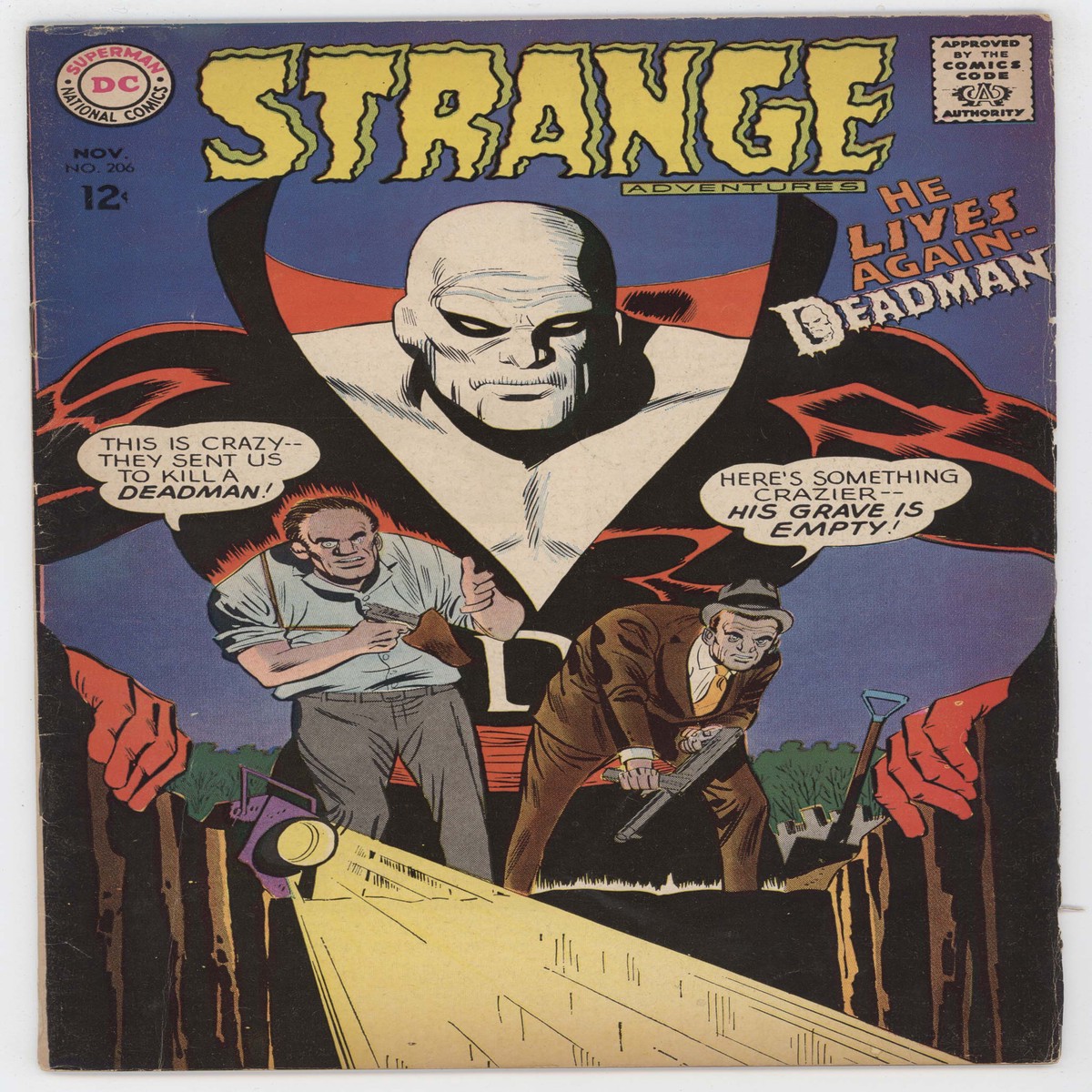
Strange Adventures 206 DC 1967 VG FN Mike Sekowsky 2nd Deadman Graveyard
Original price was: $80.00.$40.00Current price is: $40.00.