
Electronic Components
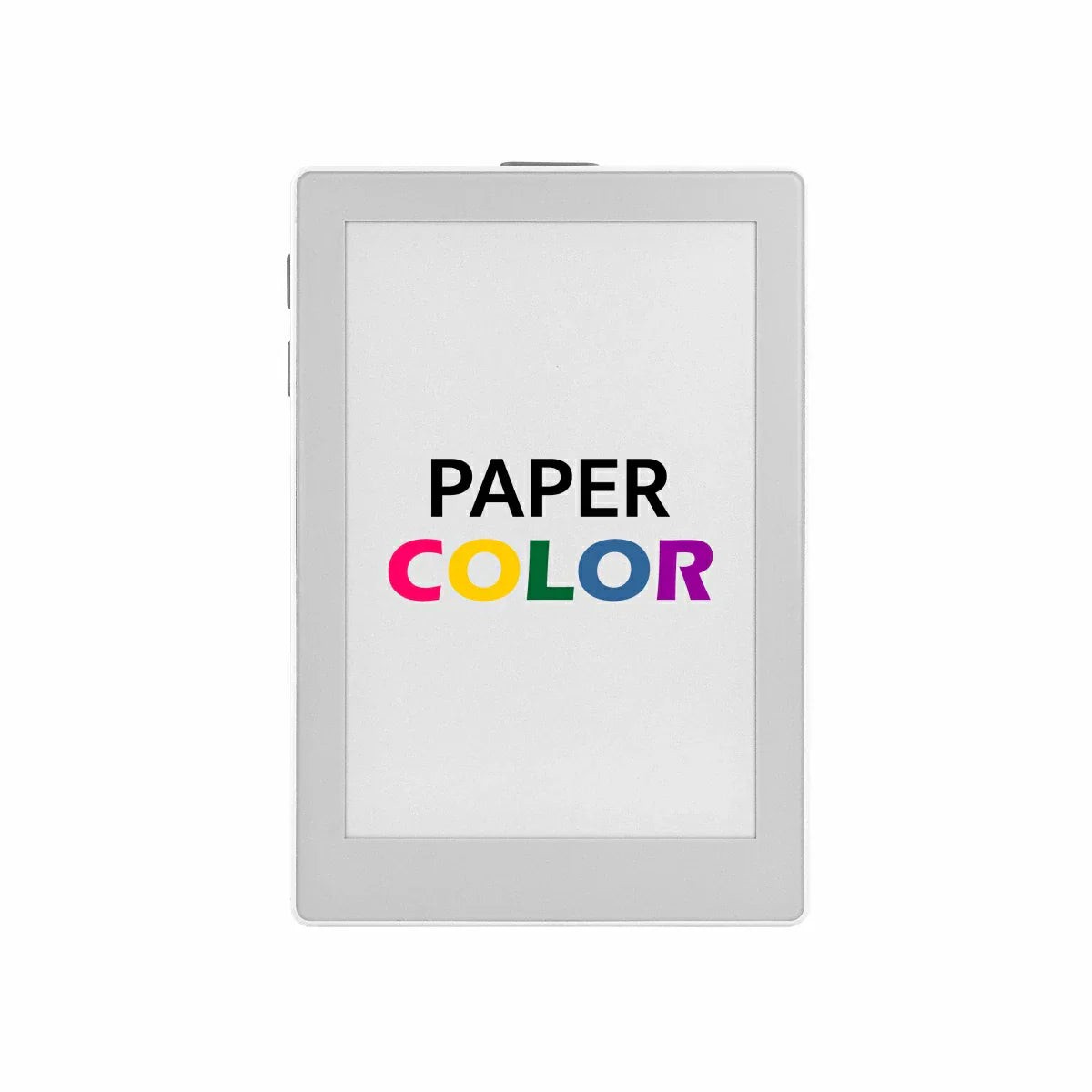
M5Stack M5Paper Color ESP32S3 Dev Kit (600x400, 4" SPECTRA 6 eInk)
Shopping information
M5Stack PaperColor is a full-color ESP32-S3 e-paper development kit designed for low-power visual interfaces. It combines an ESP32-S3R8 controller with 16MB Flash, 8MB PSRAM, and a 4-inch Spectra 6 E Ink display with 400 x 600 resolution, making it a strong fit for information panels, desktop dashboards, smart signage, and other embedded display projects where readability and standby efficiency matter.
This M5Stack board also integrates a practical interaction stack: 3 user buttons, a power key, ES8311 audio codec, ES7210 MEMS microphone with AEC, a 1W speaker, SHT40 temperature and humidity sensing, RX8130CE RTC, microSD storage, IR transmission, 2 RGB LEDs, and an HY2.0-4P expansion port. Paired with the onboard M5PM1 power management system and a 1250mAh battery, M5Stack PaperColor is well suited to portable or always-on IoT display applications.
Features
- ESP32-S3R8 platform with dual-core Xtensa LX7, 16MB Flash, and 8MB PSRAM
- 4-inch Spectra 6 full-color e-paper display with 400 x 600 resolution
- Built-in 1250mAh battery with M5PM1 power management for low-power operation
- Integrated audio path with ES8311 codec, ES7210 MEMS microphone, AEC support, and 1W speaker
- Human-machine interaction through 3 programmable buttons, 1 power button, IR emitter, and 2 RGB LEDs
- Onboard sensing and timing with SHT40 temperature and humidity sensor plus RX8130CE RTC
- Expandable design with microSD card slot and HY2.0-4P Grove-compatible interface
- Arduino and PlatformIO friendly with official M5Unified, M5GFX, and M5PM1 resources
Specifications
| Specification | Parameter |
|---|---|
| SoC | ESP32-S3R8, Dual-core Xtensa LX7, up to 240MHz |
| Flash | 16MB |
| PSRAM | 8MB |
| Wireless | 2.4 GHz Wi-Fi |
| Display | 4″ E-Paper (E6 Full-Color) ED2208-DOA (EL040EF1), 400 x 600 |
| Input Power | USB Type-C, DC 5V |
| Battery | 1250mAh |
| Audio Codec | ES8311 |
| Microphone | MEMS microphone, ES7210 audio ADC, integrated AEC circuit |
| Speaker | 1W @ 8 2520 speaker, AW8737A amplifier |
| Sensor | SHT40 temperature and humidity sensor |
| RTC | RX8130CE |
| Storage | microSD card slot |
| User Input | 3 user buttons + 1 power button (ON / OFF / RESET / BOOT) |
| Standby Current | 92.53uA |
| Full Load Current | 211.97mA |
| Product Size | 70.8 x 103.9 x 8.5mm |
| Product Weight | 73.3g |
| Package Size | 120.0 x 80.0 x 23.0mm |
| Gross Weight | 93.4g |
Applications
M5Stack PaperColor works especially well in projects that need a readable, colorful interface with low refresh demand and low standby power:
- Electronic signage for room labels, schedules, notices, and product tags
- Desktop information dashboards for weather, calendar, task status, or smart home summaries
- Voice interaction terminals that combine local display, microphone input, and speaker playback
- Environmental monitoring displays using onboard SHT40 data and Wi-Fi connectivity
- Creative installations and art displays where a full-color e-paper look is preferred over LCD
Product List
- 1 x PaperColor
Other Content
Power On/Off
- Power On / Restart: Press the power button once
- Power Off: Press the power button twice in quick succession
Download Mode
To flash firmware, connect the device to a computer via a USB Type-C cable, then press and hold the side reset button to enter download mode and wait for the flashing process to complete.
Hardware and Pin Map
| Function | Signal Mapping |
|---|---|
| E-Paper | G15 SPI_CLK, G13 SPI_MOSI, G44 EINK_CS, G43 EINK_DC, G11 EINK_BUSY, G12 EINK_RST, PYG0 PY_EPD_EN |
| User Keys | G1 USER_KEY1, G9 USER_KEY2, G10 USER_KEY3 |
| IR | G48 IR_TX |
| RGB LEDs | G21 RGB |
| Audio Control | G2/G3 I2C for ES8311 and ES7210, G42 MCLK, G41 LRCK, G40 BCLK, G39 I2S_SDOUT, G38 I2S_DSDIN, G45 AUDIO_PWR_EN, G46 SPK_EN |
| RTC | G7 RTC_IRQ, G3 SYS_SDA, G2 SYS_SCL |
| SHT40 | G3 SYS_SDA, G2 SYS_SCL |
| microSD | G47 CS, G15 SPI_CLK, G13 SPI_MOSI, G14 SPI_MISO |
| HY2.0-4P Port A | GND, 5V, G4, G5 |
Dimensions
Resources
- Official Documentation
- PaperColor Arduino Quick Start
- PaperColor M5PM1 Power Management Guide
- PaperColor Schematics PDF
- PaperColor Model Size PDF
- M5Unified Library
- M5GFX Library
- M5PM1 Library
- M5PM1 Datasheet
- ES8311 Datasheet
FAQ
What is the difference between M5Stack PaperColor and M5PaperS3?
M5Stack PaperColor focuses on a 4-inch full-color Spectra 6 e-paper experience, which is a better fit for low-power visual signage and colorful status panels. If you prefer a larger touch-capable e-paper development platform, you can also check the related M5PaperS3 product page.
Can I develop M5Stack PaperColor with Arduino or PlatformIO?
Yes. M5Stack provides an official Arduino quick start, and the documentation also includes a ready PlatformIO environment example. The official M5Unified, M5GFX, and M5PM1 libraries are the main software resources for getting started.
Is M5Stack PaperColor suitable for battery-powered always-on projects?
Yes, especially for projects with mostly static content. The official standby current is 92.53uA, which makes M5Stack PaperColor attractive for low-power dashboards, electronic signage, and portable display terminals. As with other e-paper products, refresh is slower than LCD, so it is best used for information that changes periodically rather than continuously.
How do I enter firmware download mode?
Connect the board through USB Type-C, then press and hold the side reset button while flashing firmware. The official product documentation includes the same operation guidance for download mode and power control.
Only logged in customers who have purchased this product may leave a review.
Keep exploring
You may also like
More pieces selected to complement what you are viewing.
-
Sale
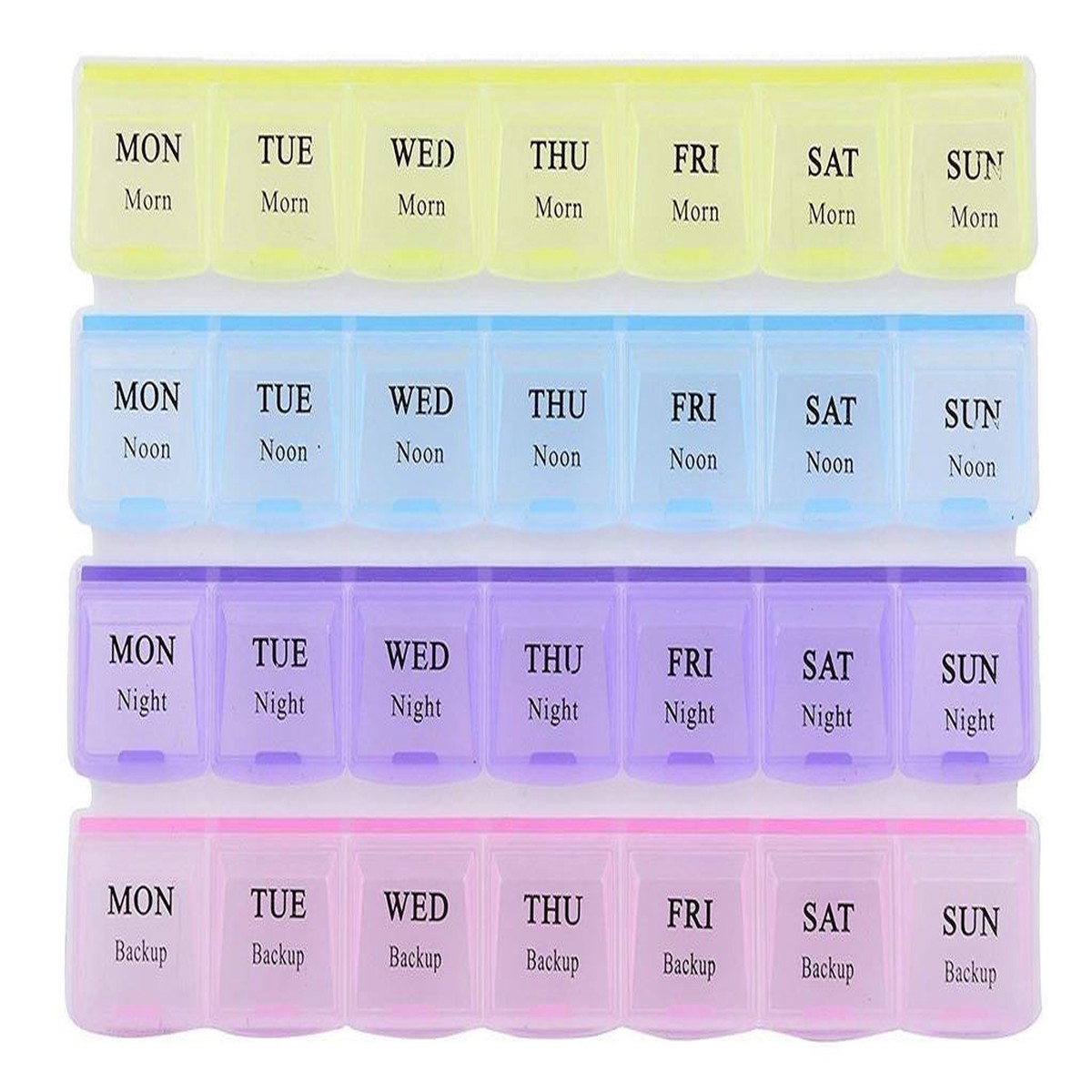
28 Grids Plastic Square Storage Box Case Components Organiser
Original price was: $15.00.$5.00Current price is: $5.00. -
Sale
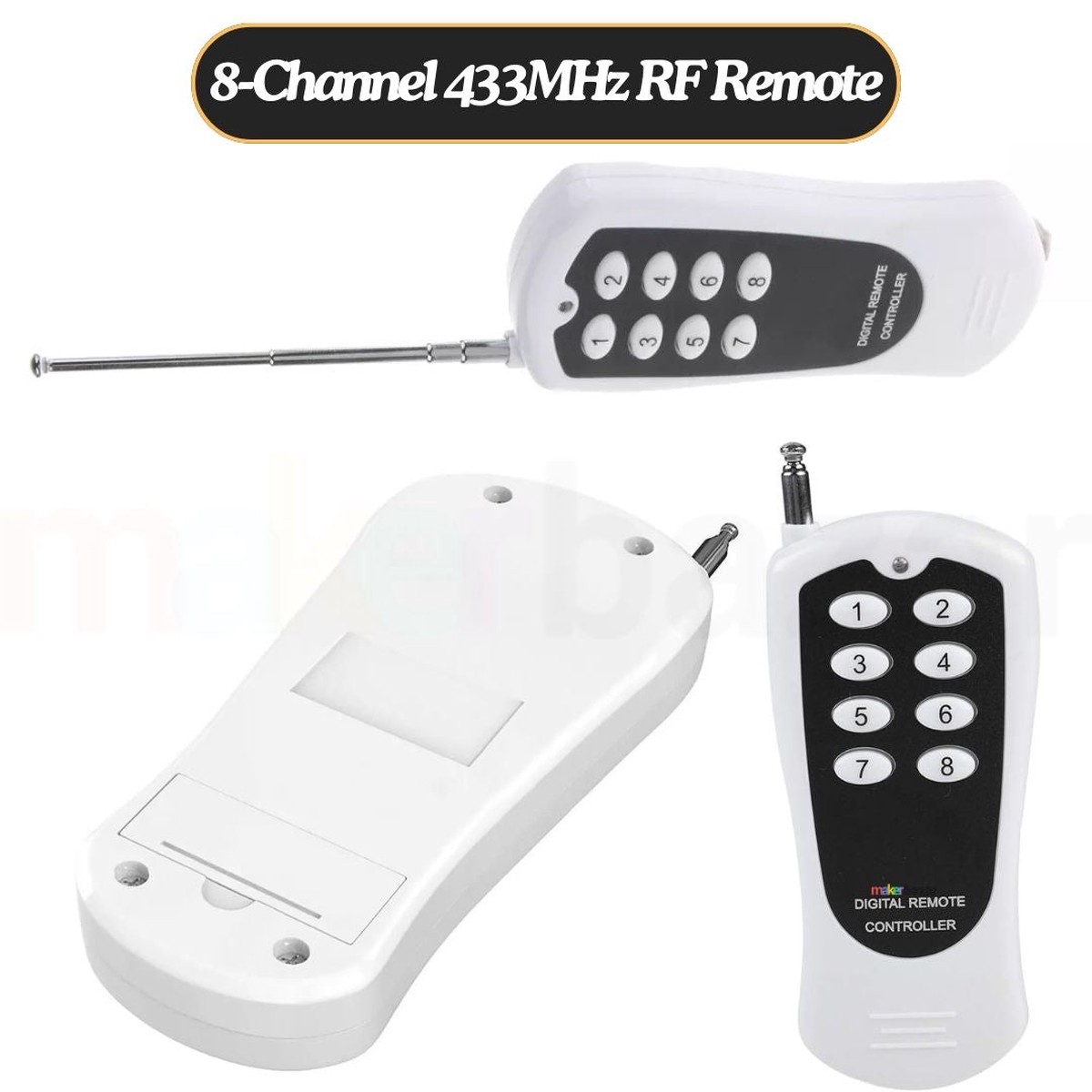
8-Channel 433MHz RF Remote Control Transmitter
Original price was: $5.00.$4.00Current price is: $4.00. -
Sale

Revell 1970 Plymouth Duster 1/24 14528
Original price was: $51.99.$26.00Current price is: $26.00. -
Sale
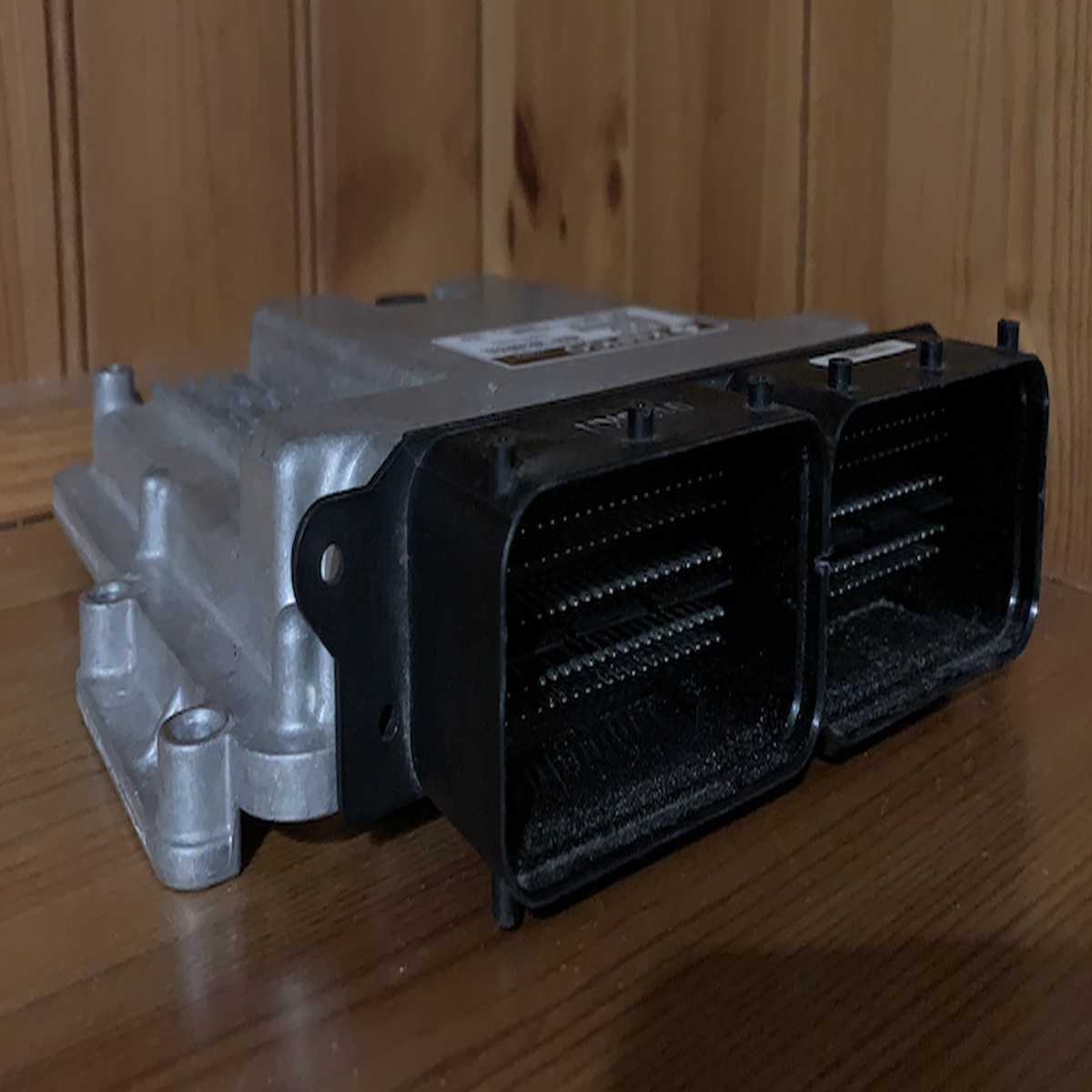
Plug & Play Bosch Engine ECU, Ford, 0261S20876, 0 261 S20 969, JN1512A650UE, JN15-12A650-UE, HA6A12B684LA, HA6A-12B684-LA, DAR4
Original price was: $499.99.$150.00Current price is: $150.00.