
Electronic Components
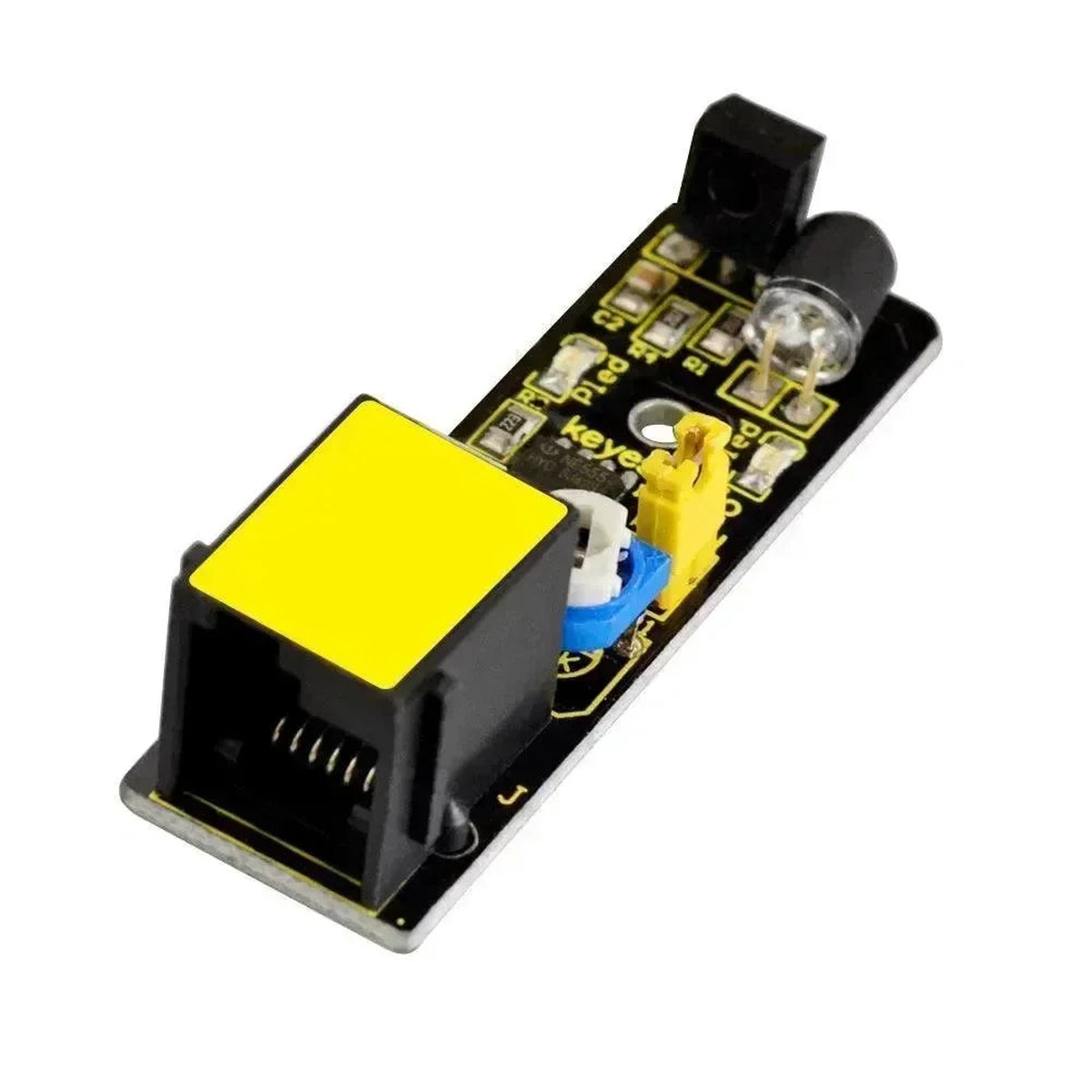
KeyeStudio IR Obstacle Sensor | EASY PLUG 2-40cm Module
Shopping information
KeyeStudio EASY PLUG Infrared Obstacle Avoidance Sensor – Adjustable 2cm to 40cm Robot Detector
The KeyeStudio EASY PLUG Infrared Obstacle Avoidance Sensor Module is designed for wheeled robots, line counters, obstacle avoidance cars, and proximity-triggered projects. It uses an infrared transmitter and receiver pair, then a comparator circuit to produce a TTL output when reflected IR light indicates an obstacle.
The current listing specifies 3.3V-5V operation, detection distance of 2cm to 40cm, effective angle of 35 degrees, and adjustable distance through a potentiometer. Use it with KeyeStudio EASY PLUG boards, robot motor drivers, or visual indicators such as the RGB Full Color LED Module.
Infrared reflection depends heavily on target color, surface finish, angle, and ambient light. Calibrate the potentiometer in the actual robot environment before relying on the threshold.
Technical Specifications
| Parameter | Value |
|---|---|
| SKU | KY-KS0120 |
| Brand | KeyeStudio |
| Product Type | EASY PLUG infrared obstacle avoidance sensor |
| Working Voltage | DC 3.3V-5V |
| Working Current | At least 20mA per listing |
| Working Temperature | -10C to +50C |
| Detection Distance | 2cm-40cm adjustable |
| Output Signal | TTL voltage |
| Effective Angle | 35 degrees |
| Dimensions | 52 x 17 x 18mm |
| Weight | 6.2g |
Board Layout & Label Guide
- IR Transmitter – Emits infrared light toward the target.
- IR Receiver – Detects reflected infrared light.
- Potentiometer – Adjusts detection distance threshold.
- EASY PLUG Port – Connection to compatible controller.
- Indicator LED – Shows obstacle state on many modules.
- Comparator Circuit – Converts reflection to TTL output.
- Angle Note – Keep target within the effective field.
- Surface Note – Black or angled surfaces may reduce reflection.
Application Scenarios
1. Arduino Digital Input Test
Read the obstacle output output and print its state.
const int sensorPin = 2;void setup() { Serial.begin(115200); pinMode(sensorPin, INPUT);}void loop() { Serial.println(digitalRead(sensorPin)); delay(100);}
2. LED Event Indicator
Turn on an LED when the module output is obstacle detected.
const int sensorPin = 2;const int ledPin = 13;void setup() { pinMode(sensorPin, INPUT); pinMode(ledPin, OUTPUT);}void loop() { digitalWrite(ledPin, digitalRead(sensorPin));}
3. MicroPython GPIO Monitor
Monitor the digital signal from a Pico-style board.
from machine import Pinimport timesensor = Pin(15, Pin.IN)while True: print(sensor.value()) time.sleep(0.1)
Packing List
- 1 x KeyeStudio EASY PLUG Infrared Obstacle Avoidance Sensor Module
FAQ
Q: What distance can it detect?
A: The listing specifies 2cm to 40cm.
Q: What voltage does it use?
A: DC 3.3V to 5V.
Q: Does color matter?
A: Yes, dark or non-reflective surfaces can be harder to detect.
Q: Can I adjust range?
A: Yes, use the onboard potentiometer.
Q: Is it analog?
A: The listing describes TTL output.
Q: Can it detect transparent objects?
A: Often poorly, depending on reflection.
Q: Can it be used for line tracking?
A: It can support simple black/white detection experiments.
Q: Why does sunlight affect it?
A: Ambient IR can interfere with reflection sensing.
Only logged in customers who have purchased this product may leave a review.
Keep exploring
You may also like
More pieces selected to complement what you are viewing.
-
Sale
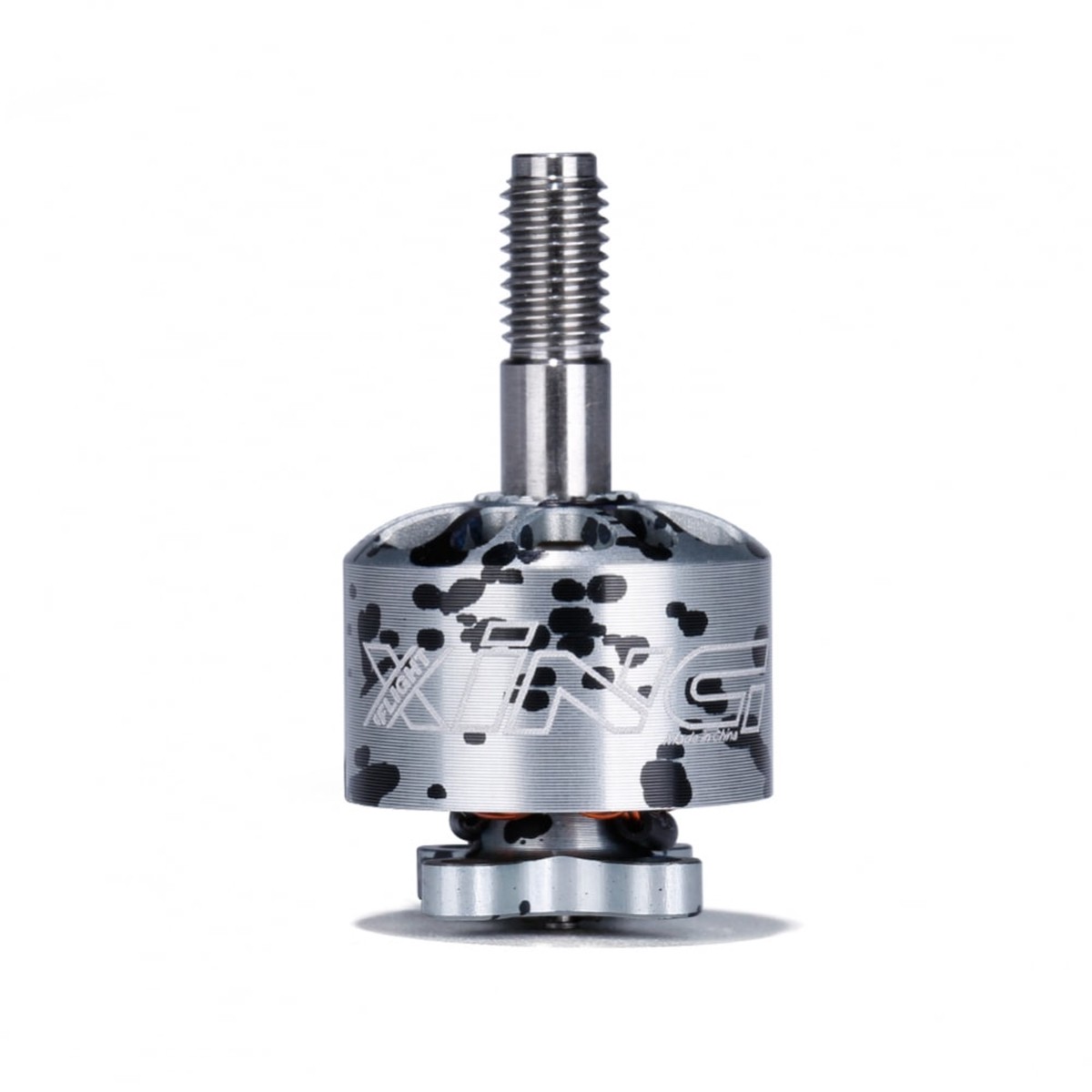
iFlight Xing 1408 Motor (2800kV, 3600kV, 4100kV)
Original price was: $13.00.$10.40Current price is: $10.40. -
Sale
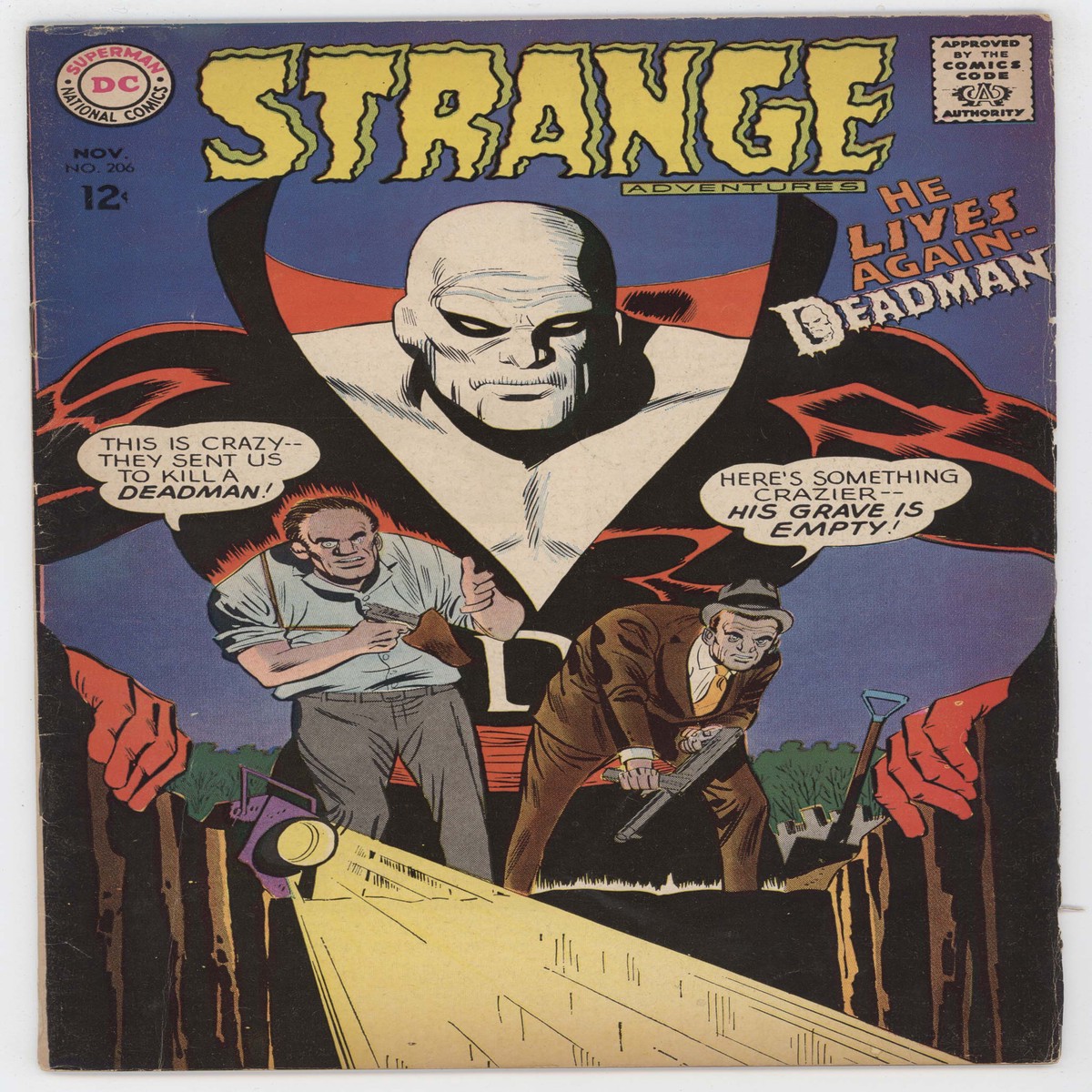
Strange Adventures 206 DC 1967 VG FN Mike Sekowsky 2nd Deadman Graveyard
Original price was: $80.00.$40.00Current price is: $40.00. -
Sale
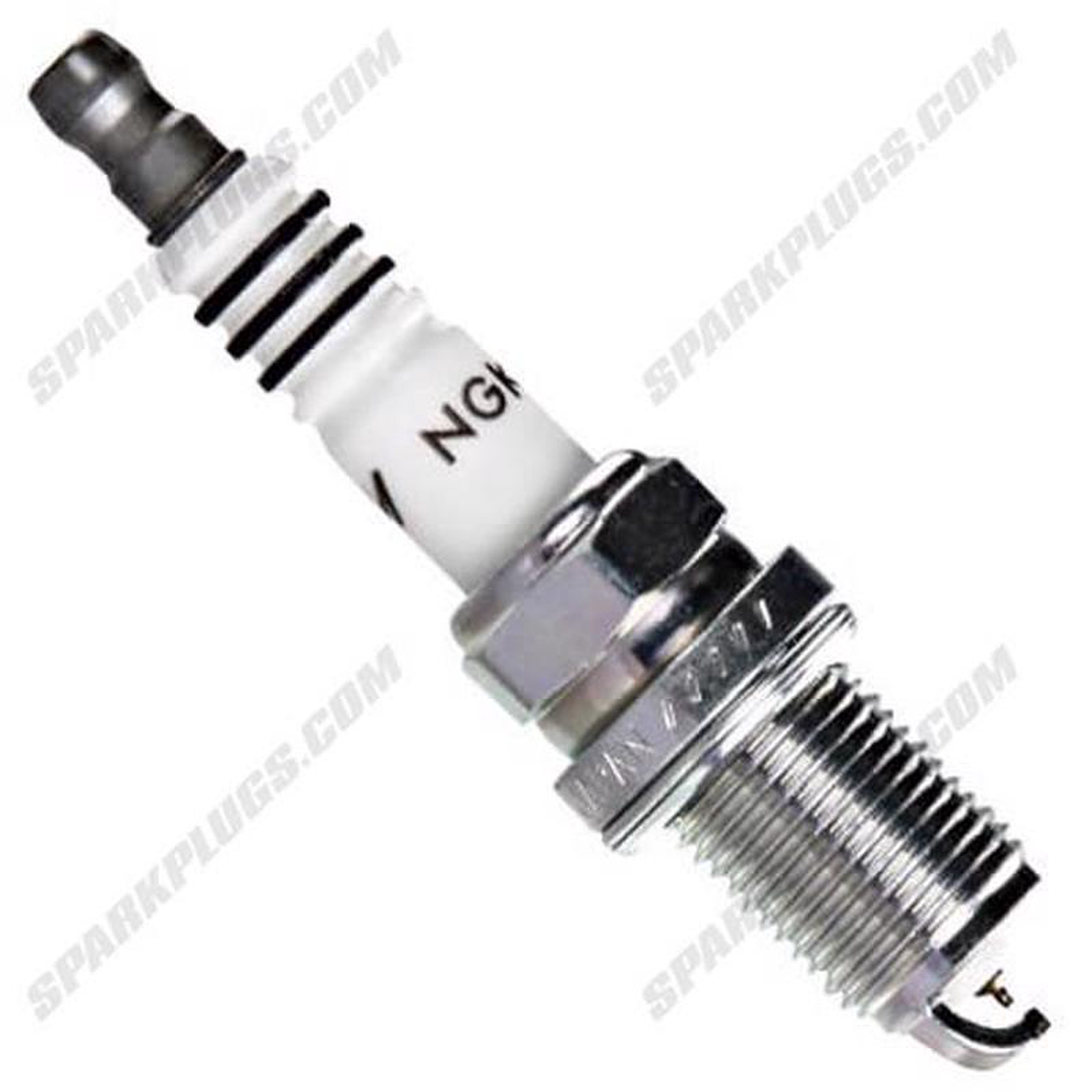
NGK Iridium Stock Heat Spark Plugs Box of 4 (6341)
Original price was: $27.43.$21.94Current price is: $21.94. -
Sale
Relife Solder Wick No-Clean Copper Desoldering Braid Low Residue Tin Repair Tool
Original price was: $12.00.$7.00Current price is: $7.00.