
Electronic Components
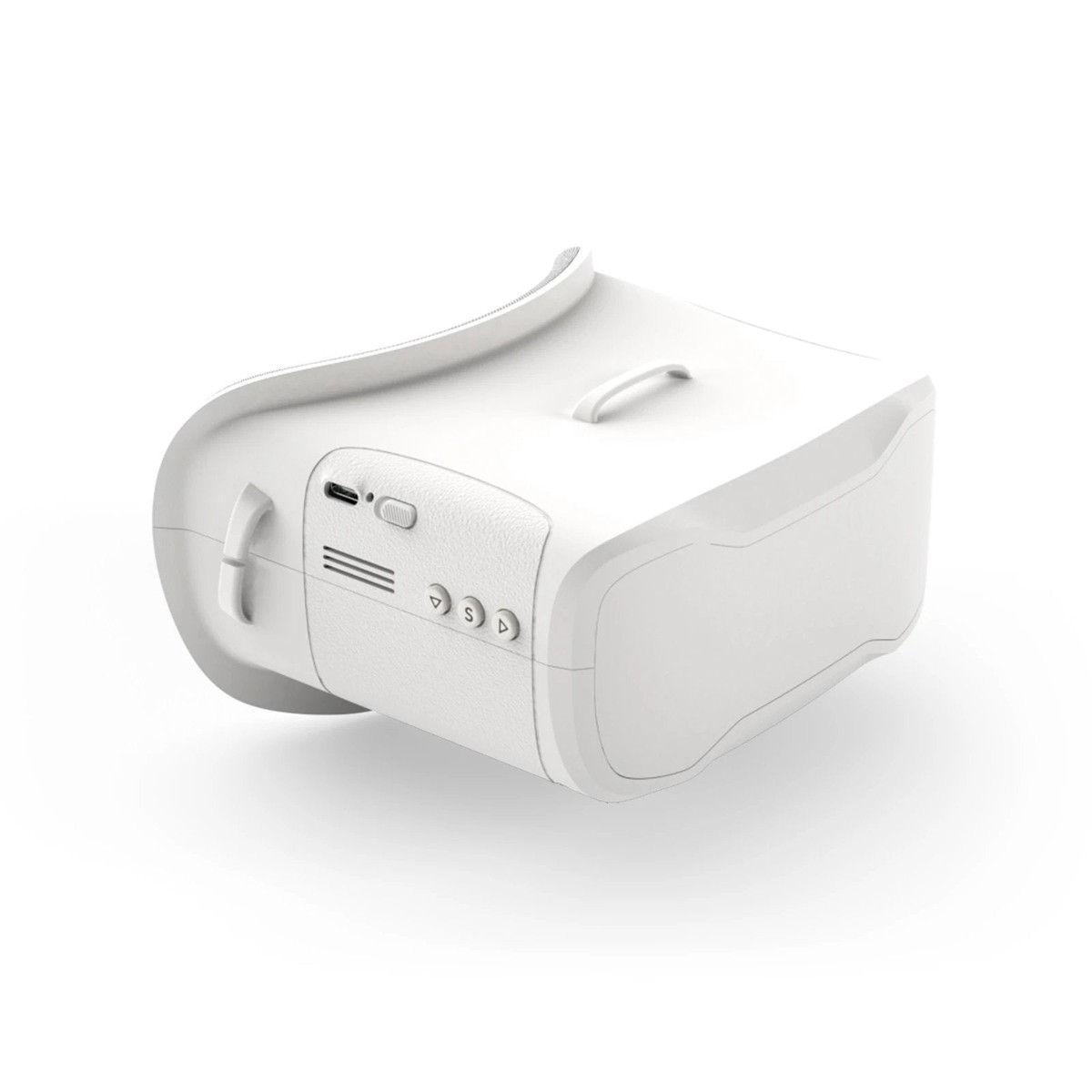
BetaFPV VR02 FPV Goggles
Shopping information
VR02 FPV Goggles – the First-Person-View Goggle with more simpler operation and powerful function, is specially designed for FPV starters.
Features
- With the built-in antennas and structure patented design, the VR02 Goggles is more compact and exquisite, less than 300g lightweight is more comfortable for wearing and carrying.
- VR02 goggle comes with built-in 5.8G 14DBI high-quality antennas, you can receive stable and clear images even for long-range flights.
- With 4.3 inches 800*480px HD high brightness LCD, VR02 Goggles will show you a bright world without warped and blurred images, which is specially tuned for FPV racing or Model airplanes.
- Upgraded the frequency sweep function and the fast frequency auto-search function(only 2.5 seconds), pilots can easily find a band and channel with a stronger signal for a better flight experience.
- The advanced auto-searching function will show you the working frequency on the screen vividly.
- Adopt an ergonomic design with a foam sponge faceplate and a three-sided adjustable headband, this FPV Goggles fits your face and head perfectly.
| Part | Specification |
| BODY |
|
| SCREEN |
|
| JACK |
|
| BATTERY |
|
BETAFPV Patented Design
With the built-in antennas and the special design of the Goggles lens, the VR02 Goggles is more compact and exquisite, which makes it maintains a small and lightweight body.
Operation Instructions
| Button | Instruction |
| Power On/Off |
|
| Band+ |
|
| Search |
|
| CH+ |
|
Band and Channel Selection
| CH | CH 1 (MHZ) | CH 2 (MHZ) | CH 3 (MHZ) | CH 4 (MHZ) | CH 5 (MHZ) | CH 6 (MHZ) | CH 7 (MHZ) | CH 8 (MHZ) |
| GROUP | ||||||||
| A | 5865 | 5845 | 5825 | 5805 | 5785 | 5765 | 5745 | 5725 |
| B | 5733 | 5752 | 5771 | 5790 | 5809 | 5828 | 5847 | 5866 |
| E | 5705 | 5685 | 5665 | 5645 | 5885 | 5905 | 5925 | 5945 |
| F | 5740 | 5760 | 5780 | 5800 | 5820 | 5840 | 5860 | 5880 |
| R | 5658 | 5695 | 5732 | 5769 | 5806 | 5843 | 5880 | 5917 |
| L | 5362 | 5399 | 5436 | 5473 | 5510 | 5547 | 5584 | 5621 |
- BETAFPV VR02 FPV Goggles has a frequency sweep function and a fast frequency auto-search function, it will help pilots find a stronger Band to get a better flight experience.
- The frequency sweep function can display the occupancy status of each channel in the current space so that pilots can fly with a better Band and enhance the flight experience.
How to use the frequency sweep function?
After powering on, short press the “S” button to enter the sweeping interface, as shown below. Pilots can change the Band via the “Band+” and “Ch+” buttons.
Band Status Indicator
| Green | 0 |
| Yellow | 20 |
| Red | 70 |
| White | current Band (highest RSSI in the sweep result) |
How to use the fast frequency search function?
After powering on, press and hold the “S” button for 1 second to start the frequency auto-search. The frequency auto-search process is 2.5 seconds. After the frequency auto-search is over, it will beep twice and jump to the corresponding Band of the drone.
Included
- 1x BETAFPV VR02 FPV Goggles
- 1x Adjustable Headband
Only logged in customers who have purchased this product may leave a review.
Keep exploring
You may also like
More pieces selected to complement what you are viewing.
-
Sale
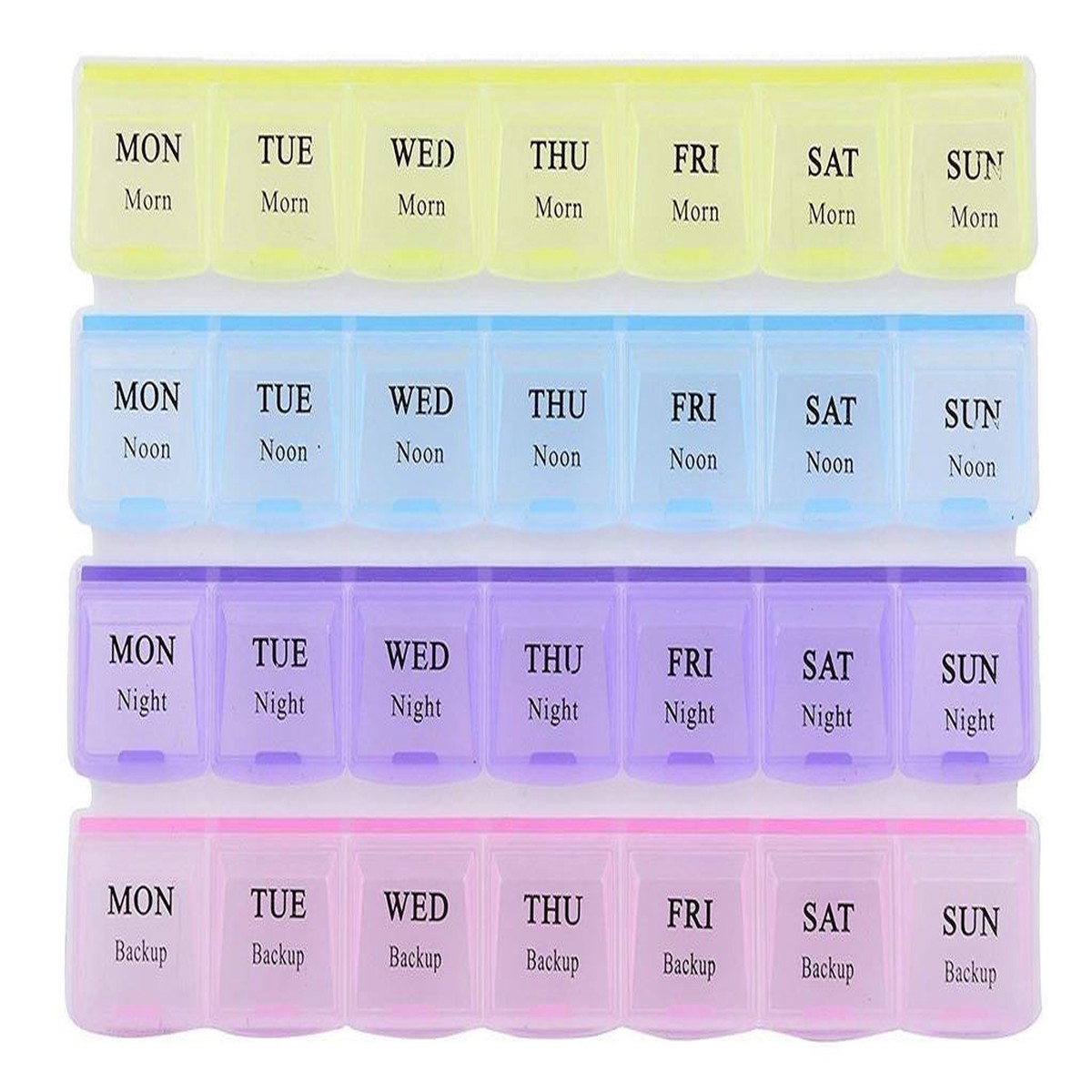
28 Grids Plastic Square Storage Box Case Components Organiser
Original price was: $15.00.$5.00Current price is: $5.00. -
Sale

Future State Suicide Squad #1 (Of 2) B Derrick Chew Card Stock Variant (01/27/2021) Dc
Original price was: $6.99.$5.59Current price is: $5.59. -
Sale
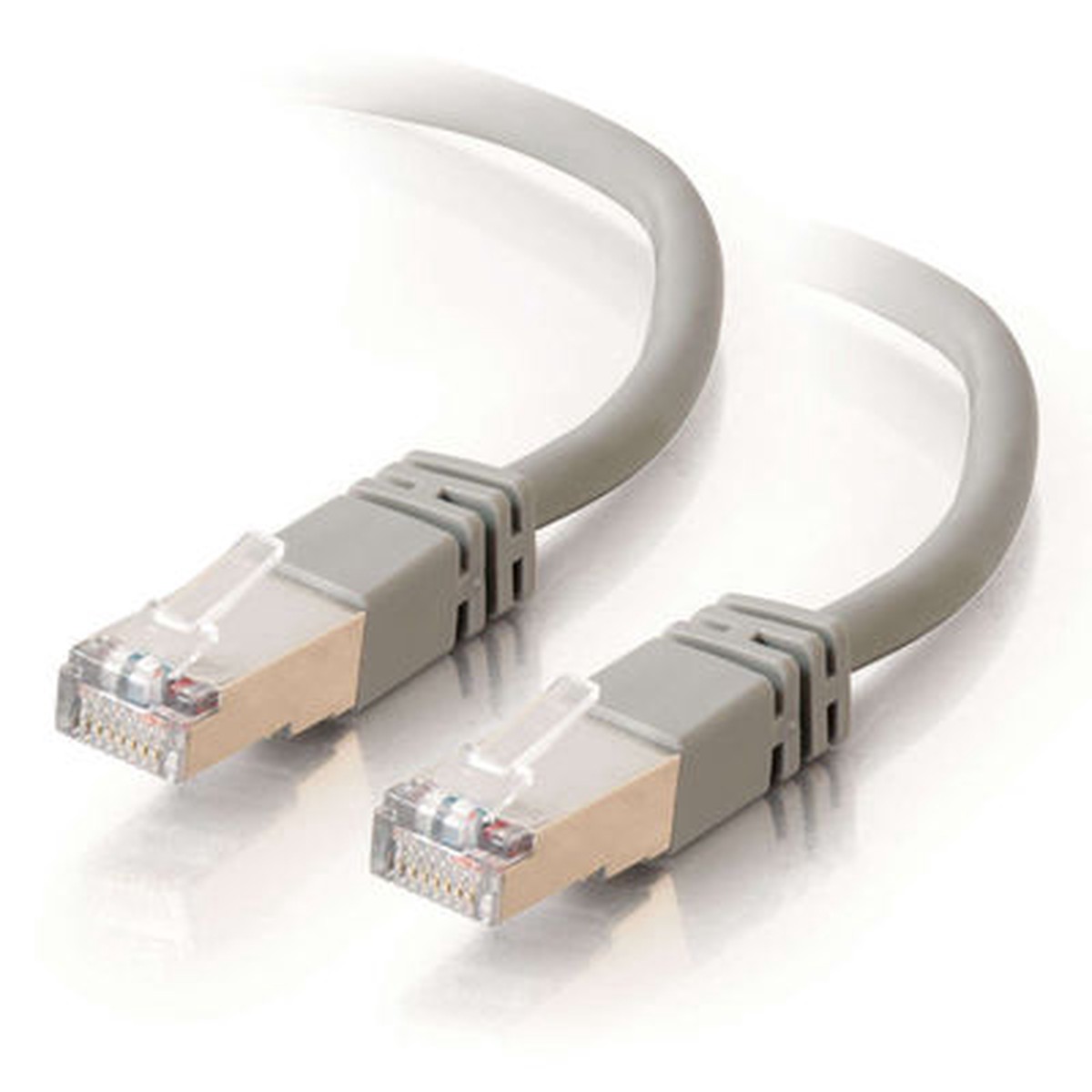
CABLES TO GO 27250 7ft Shielded Cat5E Molded Patch Cable - Gray
Original price was: $13.99.$11.19Current price is: $11.19. -
Sale
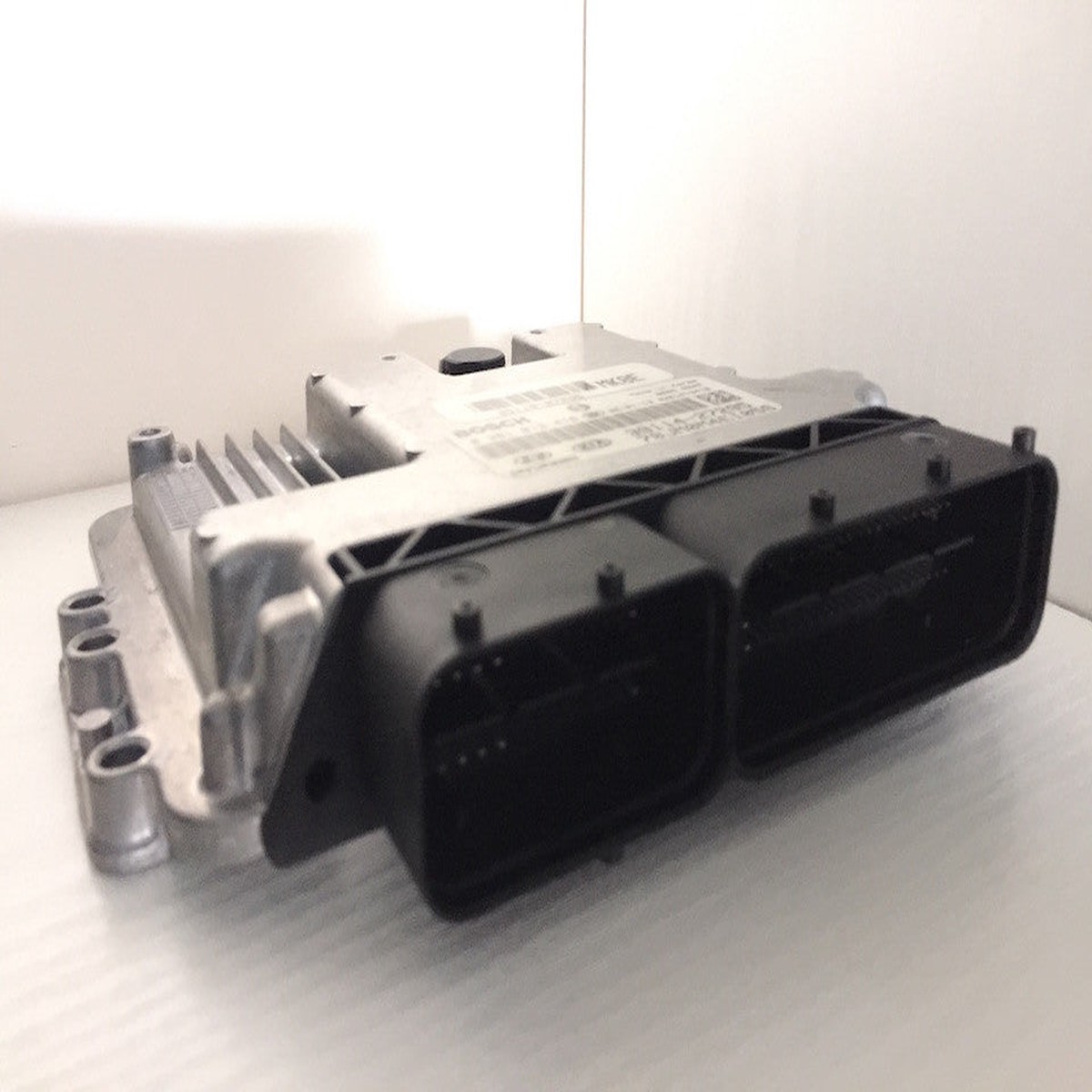
Plug & Play Kefico Engine ECU, Kia/Hyundai, 0261S15502, 0 261 S15 502, 39106-2B800
Original price was: $449.99.$135.00Current price is: $135.00.