
Electronic Components
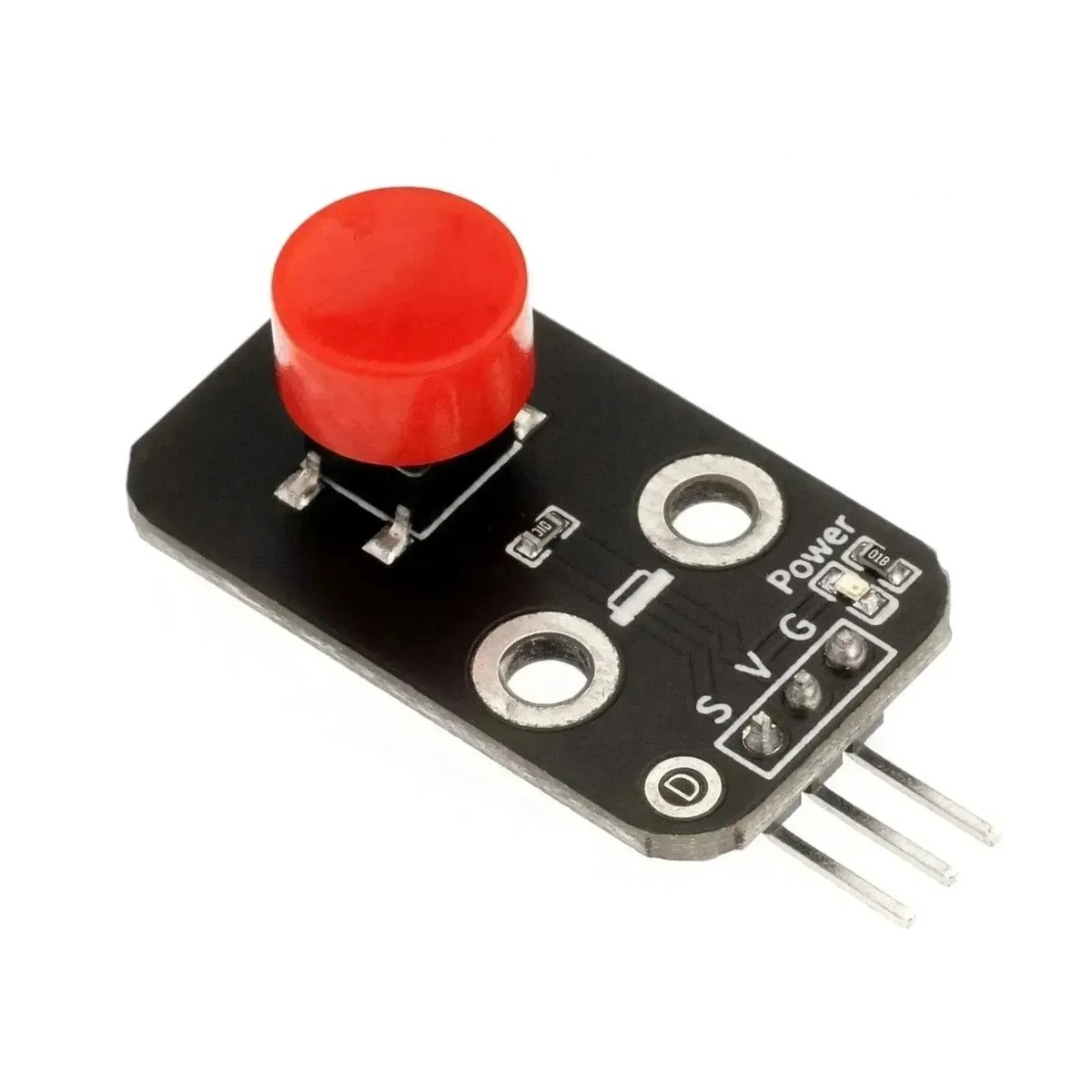
HS-KEY1B Key Switch Module | Digital Push Button Input
Shopping information
HS-KEY1B Key Switch Module – Digital Push Button Input Board for Arduino and STEM Projects
The HS-KEY1B Key Switch Module is a simple digital push-button input board for menu controls, mode selection, counters, games, and first Arduino lessons. It gives beginners a clean way to connect a button to a controller without building a switch circuit from loose components.
Use it with the ELAB Nano V3, MB 102 Breadboard Kit, or output modules like the RGB Full Color LED Module. For multi-key input, compare it with the 4-way key switch module already in the catalog.
Mechanical buttons need debouncing in software. Confirm whether the module output is active-high or active-low before finalizing code.
Technical Specifications
| Parameter | Value |
|---|---|
| SKU | HS-KEY1B |
| Product Type | Key switch / push button module |
| Output | Digital button state |
| Interface | Signal, VCC, GND depending on board label |
| Typical Supply | 3.3V / 5V controller systems |
| Host Requirement | GPIO input |
| Use Cases | Menus, counters, start/stop controls, games |
| Software Need | Debounce recommended |
| Mounting | Panel or board mount |
| Signal Logic | Verify active level by testing |
Board Layout & Label Guide
- Button – User input switch.
- Signal Pin – Digital output to the host.
- VCC – Positive supply if required.
- GND – Common ground.
- Header – Jumper-wire connection point.
- Mounting Area – Fix the module to avoid cable strain.
- Debounce Note – Filter rapid contact bounce in code.
- Logic Note – Test whether pressed is HIGH or LOW.
Application Scenarios
1. Arduino Digital Input
Read the key switch digital output.
const int sensorPin = 2;void setup() { Serial.begin(115200); pinMode(sensorPin, INPUT);}void loop() { Serial.println(digitalRead(sensorPin)); delay(100);}
2. LED Event Output
Turn on an LED when the module is pressed.
const int sensorPin = 2;const int ledPin = 13;void setup() { pinMode(sensorPin, INPUT); pinMode(ledPin, OUTPUT);}void loop() { digitalWrite(ledPin, digitalRead(sensorPin));}
3. MicroPython GPIO Monitor
Monitor the digital output from a Pico-style board.
from machine import Pinimport timesensor = Pin(15, Pin.IN)while True: print(sensor.value()) time.sleep(0.1)
Packing List
- 1 x HS-KEY1B Key Switch Module
FAQ
Q: What is this used for?
A: Digital push-button input.
Q: Does it output analog values?
A: No, it outputs a digital state.
Q: Can I use internal pull-ups?
A: Yes, if the wiring is active-low.
Q: Does it need debounce?
A: Yes.
Q: Can it start a motor or relay?
A: Yes, through controller code and a driver.
Q: Why does it read backward?
A: The module logic may be active-low.
Q: Can it work with ESP32?
A: Yes, if signal voltage is compatible.
Q: What should I test first?
A: Pin mapping, active level, and debounce timing.
Only logged in customers who have purchased this product may leave a review.
Keep exploring
You may also like
More pieces selected to complement what you are viewing.
-
Sale
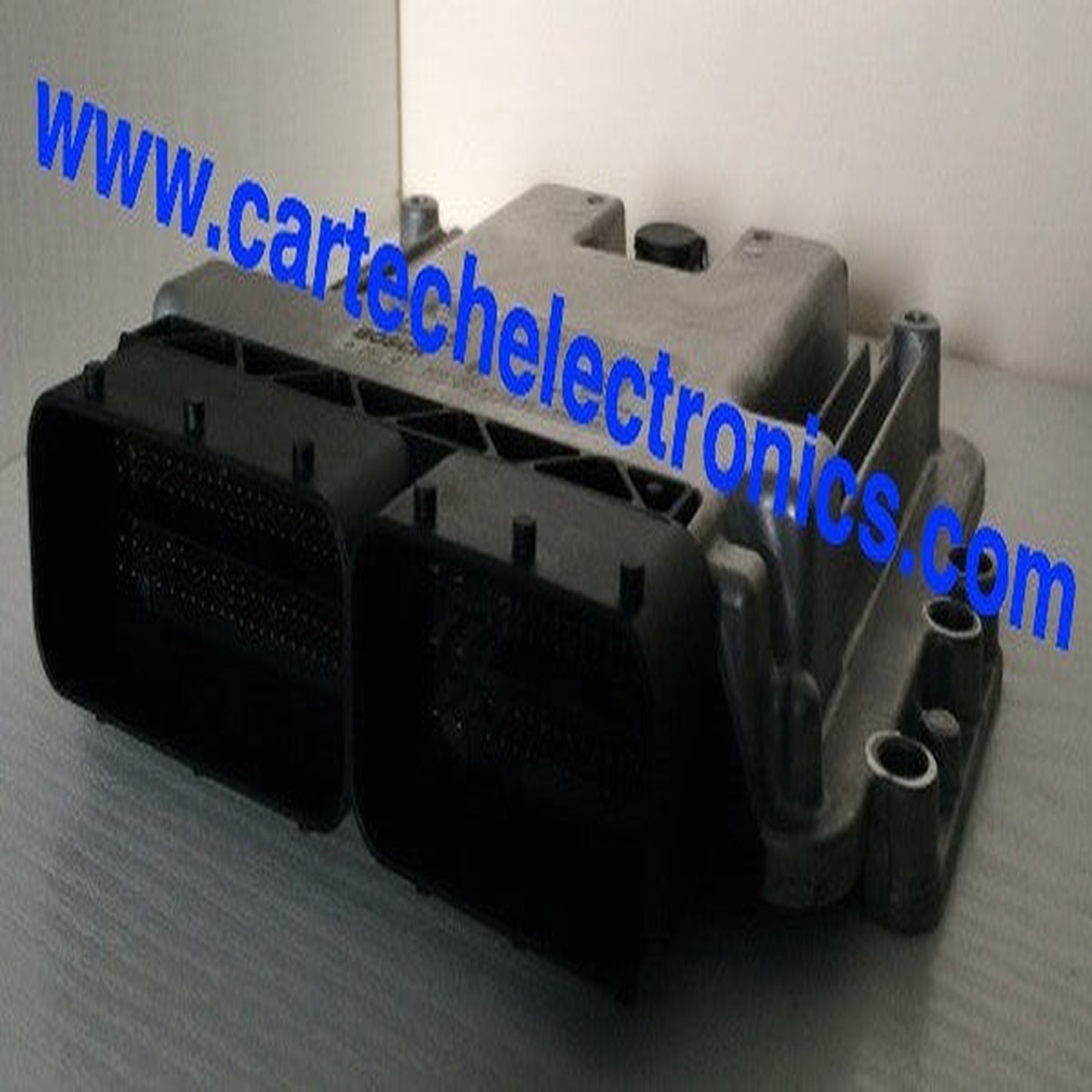
Plug & Play Bosch Engine ECU, Ford, 0261S07402, 0 261 S07 402
Original price was: $599.99.$150.00Current price is: $150.00. -
Sale
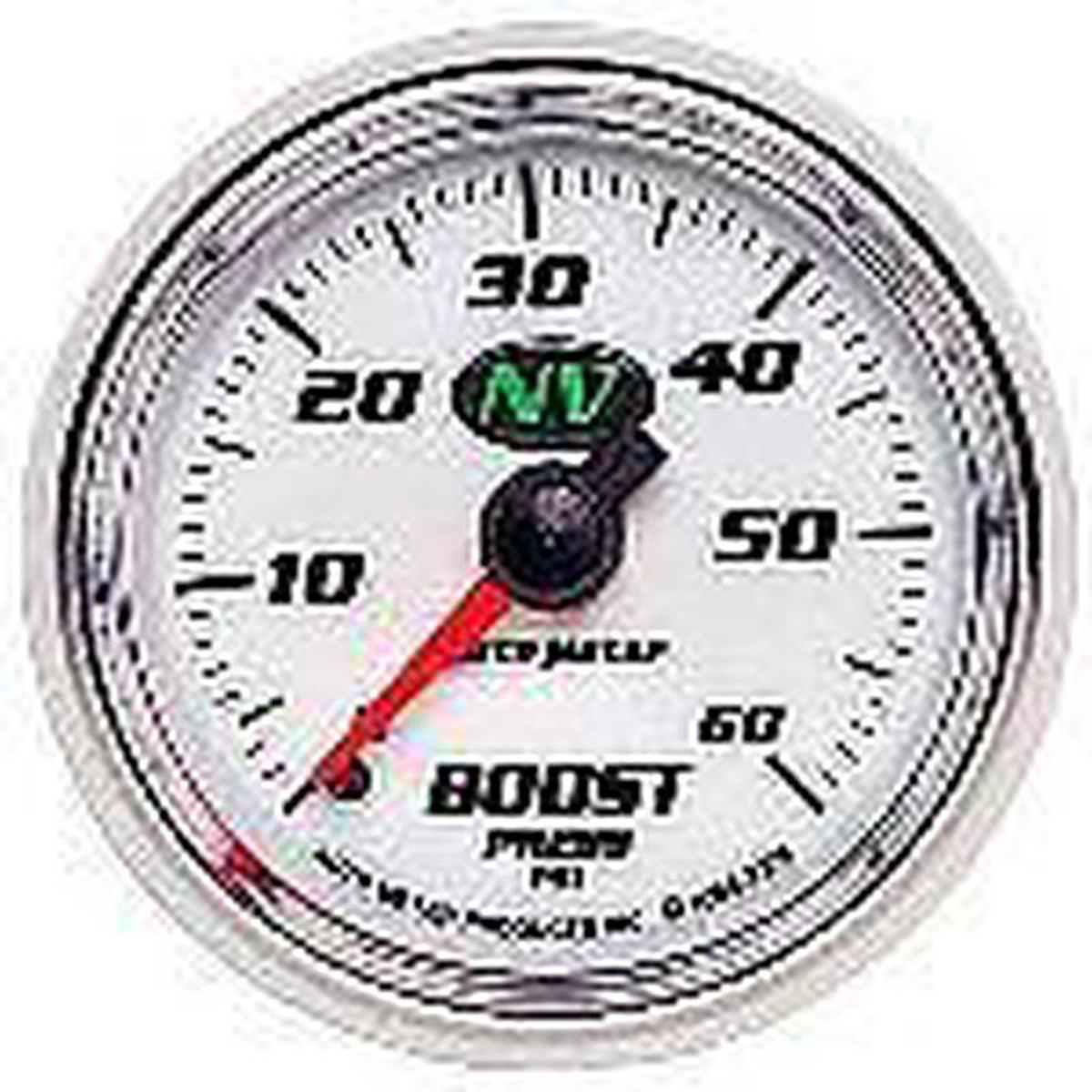
Auto Meter NV (2 1168243) 0-60psi 7305
Original price was: $55.46.$27.73Current price is: $27.73. -
Sale
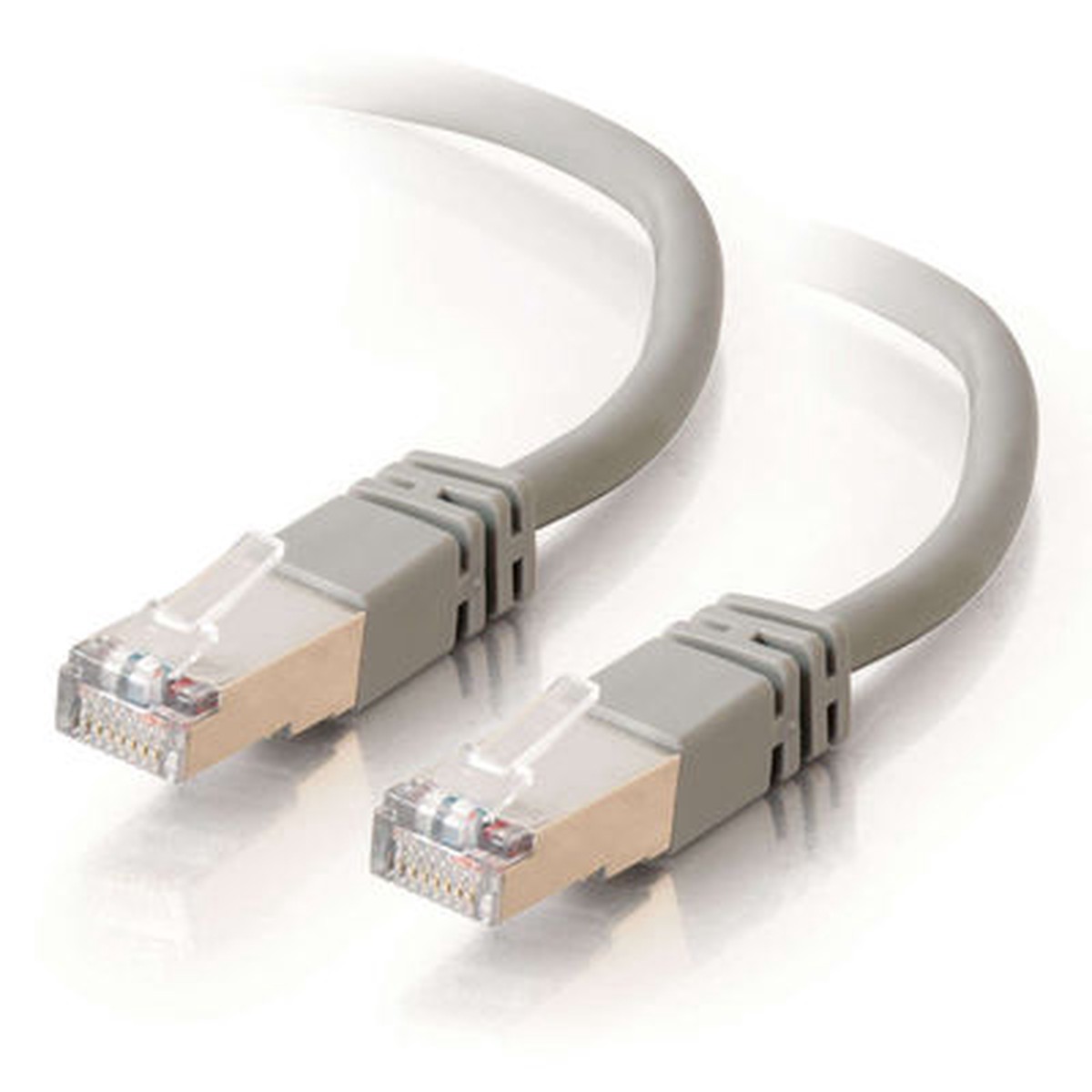
CABLES TO GO 27250 7ft Shielded Cat5E Molded Patch Cable - Gray
Original price was: $13.99.$11.19Current price is: $11.19. -
Sale
iFlight Xing 1408 Motor (2800kV, 3600kV, 4100kV)
Original price was: $13.00.$10.40Current price is: $10.40.